
Accessory guide
Stock your maker bench.
Shop the essentials, save your list, and find the right tools for cleanup, maintenance, finishing and assembly.
Your first shopping list
The essentials. Then the extras.
Check what came with your printer before buying. Tap a basket to save an item to your list, or open a guide to find the right fit.
A spare nozzle that fits
Start with your stock size. Match the exact printer and hotend.
Find your nozzle →The right build plate
Choose your machine, plate size, material and finish.
Match your build plate →Filament you’ll use
Start with PLA; choose other materials for a real project.
Explore filament choices →A few good hand tools
Cutters, a driver, calipers and dry storage cover a lot.
Choose your tools →My shopping list 0
Saved on this browser. Product buttons open individual listings; this list does not place an order.
Choose an essential above or a tool below to start your list.
Shop the workbench
What are you working on?
Tap a tool area to find useful options for that job.
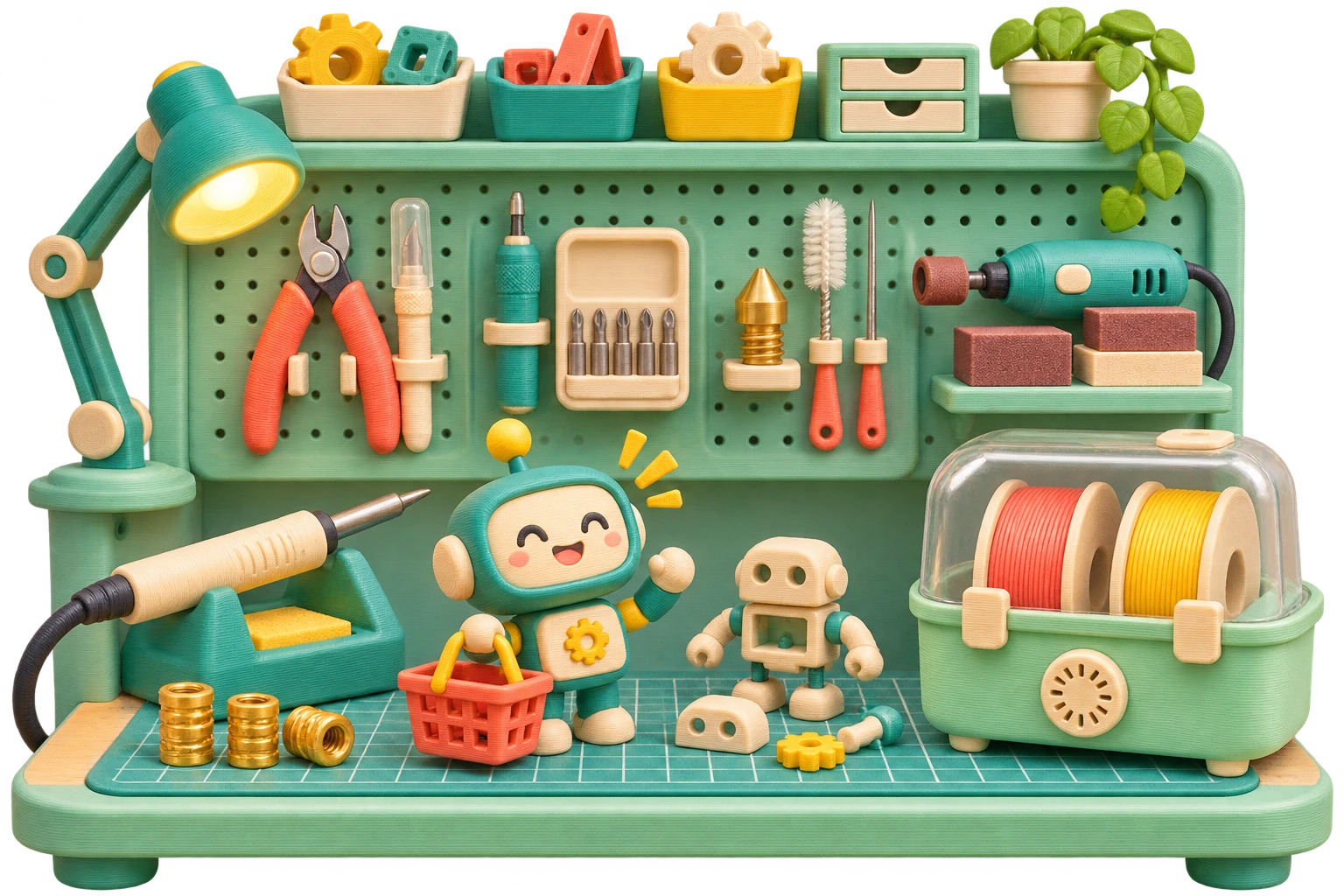
Tools that earn their space
Build your toolkit by the job.
Start with a small kit, then add a tool when you know what it will solve. These are buying options, not a requirement to own everything.
26 options · 0 saved
Cleanup · Good starting point
Hakko CHP-170 micro cutters
Trim filament ends and snip small support connections before peeling the rest away.
Fit & use notes
Hold the offcut and wear eye protection. These are light cutters, not tools for hardened wire or thick supports.
Cleanup · Good starting point
NOGA NG1003 deburring tool
Shave a brim or a sharp outside edge with a light, controlled pass.
Fit & use notes
Practice on scrap. The swivel blade can dig into thin walls; keep your free hand behind the cutting direction.
Cleanup
X-ACTO #1 knife with cap
Slice a stubborn brim and trim small blemishes on a removed print.
Fit & use notes
Use a cutting mat and cut away from your body. Never pry a print off the plate with a knife.
Cleanup
TEKTON 6943 mini pick & hook set
Dental-style hooks reach support crumbs in recessed corners and small holes.
Fit & use notes
For cooled, removed prints. Sharp picks can scratch plates, puncture wiring and damage nozzle bores.
Cleanup
KNIPEX 26 11 200 long-nose pliers
Grip supports and small hardware where fingers cannot reach.
Fit & use notes
Work from the outside inward. Twisting a large support in one piece can snap the model.
Unclogging
Forney 70490 brass wire brush
Brush residue from the outside of a nozzle only when the printer maker permits it.
Fit & use notes
Follow the maker’s warm-up procedure, then switch off power before a conductive brush approaches the hotend. Avoid heater and thermistor wires; do not scrub coated plates.
Unclogging
KITANIS 0.4 mm needle & brush kit
A set of fine cleaning needles and tweezers for a compatible 0.4 mm nozzle.
Fit & use notes
Use only if the nozzle maker permits needles; coated nozzles may prohibit them. Never force the needle or use it as a drill. The included steel brush is not a universal hotend-cleaning recommendation.
Maintenance
BIQU Panda Nozzle Brush · Bambu Lab A1
Replace the printer’s nozzle wiper with a BIQU brush designed for the A1.
Fit & use notes
The selected listing specifies the A1. Confirm the exact printer before ordering and follow BIQU’s installation instructions.
Assembly
Wham Bam SLAP MAT · silicone work mat
Give glue-ups and small assembly jobs a wipeable work surface.
Fit & use notes
Use a cutting mat for knife work and a dedicated stand for a hot soldering iron.
Cleanup
iFixit precision tweezers set
Extra-fine, angled and blunt tips for small loose scraps and electronics assembly.
Fit & use notes
Keep metal tips away from a powered hotend and exposed circuits. ESD-safe construction does not make them electrically insulated.
Maintenance · Good starting point
iFixit Mako 64-bit driver kit
A compact driver and broad bit selection for covers, fans and small printer fasteners.
Fit & use notes
Match both drive type and size. A precision handle is for controlled hand force; follow the printer’s torque instructions.
Maintenance
Wera 950/9 Hex-Plus metric L-key set
Dedicated metric keys for regular mechanical maintenance.
Fit & use notes
Use the straight end to loosen a tight screw and the ball end for light access work. Do not overtighten screws into plastic.
Maintenance · Good starting point
iGAGING Absolute Origin 0–6 in digital caliper
Measure a screw, a printed hole or a mating part before changing your design.
Fit & use notes
Zero the jaws, measure gently and repeat. Display resolution is not a guarantee of the accuracy of a printed part.
Finishing
Crescent Nicholson 37392 needle-file set
Shape small slots, holes and support scars using a profile that fits the space.
Fit & use notes
Keep pressure light and clean plastic from the teeth. File the print, not the build plate.
Finishing
Dremel Stylo+ 2050-15 rotary tool
A pen-style variable-speed option for careful sanding, engraving and detail cleanup.
Fit & use notes
Start at low speed on scrap: friction can melt PLA. Clamp the part, use eye and dust protection, and keep extraction near the work. Check regional mains voltage.
Finishing
Micro-Mesh Soft Touch sanding pads
Cushioned abrasives for refining an already-smoothed decorative surface.
Fit & use notes
Micro-Mesh grades are not directly interchangeable with ordinary sandpaper grit numbers. Remove deep marks with an appropriate coarser abrasive first.
Assembly
Weller WE1010NA soldering station
Temperature-controlled soldering for LEDs, switches and small electronics inside printed projects.
Fit & use notes
The NA version is for its specified supply voltage. Work with ventilation, a stable iron stand and the correct soldering tip; keep electronics work separate from plastic debris.
Assembly
Hakko FX888DX-010 soldering station
Another temperature-controlled bench station for repeat electronics projects.
Fit & use notes
Confirm regional voltage and the supplied handpiece. Insert tips must match that handpiece, not just the station’s brand name.
Assembly
Adafruit / Virtjoule M3 & #4-40 insert tip
A flat-shouldered insert tip helps keep a threaded insert square while it sinks into plastic.
Fit & use notes
Check the tip’s iron fit before ordering. This is an insert tip, not an iron or a press; it is not automatically compatible with the stations listed here.
Assembly
ruthex seven-size insert-tip set
Choose a tip sized for M2 through M8 inserts when you build several kinds of project.
Fit & use notes
The linked set includes a 900M/T18 adapter. Confirm your iron’s tip system; Weller WE and cartridge irons need their own compatible solution.
Assembly
ruthex RX-M3x5.7 brass inserts · 100 pieces
Add reusable M3 screw threads to project enclosures and assemblies.
Fit & use notes
Design the hole for this exact insert’s outside diameter and length. Practice on a coupon; let the insert cool before fitting the screw.
Assembly
Build an Adafruit heat-set insert rig
A guided vertical press helps align repeated inserts when hand placement becomes inconsistent.
Fit & use notes
This is a free build guide, not a ready-to-use kit. Read its full bill of materials, make sure the iron is securely mounted and keep hands clear of the hot tip.
Filament care · Good starting point
Sovol vacuum storage kit · USB pump · 20 bags
Seal dry spools with desiccant between projects; the pump helps reduce air in the bag.
Fit & use notes
Storage is not drying. Check bag and spool dimensions, inspect seals, and dry already-wet filament separately.
Filament care
Polymaker PolyDryer · single-spool dock and box
Dry one spool, then cap the same box for storage. Useful if you cycle through materials one spool at a time.
Fit & use notes
Check that the listing includes the powered dock and box. Verify your spool fits and use the filament maker’s drying schedule.
Maintenance
Vision Miner Nano Polymer Adhesive · 120 mL
An optional adhesion aid for a compatible surface and material when cleaning and first-layer calibration aren’t enough.
Fit & use notes
Check both manufacturers’ instructions before applying. Cold and graphic-effect coatings can have different care requirements.
Filament care
SUNLU S4 four-spool filament dryer
Dry several spools and feed from the box when your material and setup support it.
Fit & use notes
Its stated maximum is 70°C. Follow the filament’s drying schedule and spool temperature limit; some engineering and experimental materials need different equipment.
Put them to work
Three small jobs. Better results.
Remove supports without a tug-of-war
- Let the print cool and remove it from the plate.
- Snip thin support connections in small sections.
- Grip the loose sections with pliers, then clean corners with a pick or file.
Add a reusable screw thread
- Print a test hole using the insert maker’s dimensions.
- Fit an insert tip compatible with your iron. Set temperature for the material and insert instructions.
- Press straight, stop at the designed depth, withdraw the tip and let the insert cool before fitting a screw.
Treat the clog, not just the symptom
- Check the spool, feed path and extruder before assuming the nozzle is blocked.
- Use the printer maker’s procedure for a cold pull or permitted cleaning needle.
- If flow stays inconsistent, inspect or replace the correct nozzle assembly and test a known-good spool.
Product references & further reading
- iFixit Mako kit and bit selection ↗
- NOGA NG1003 manufacturer information ↗
- Hakko CHP-170 use and specifications ↗
- Dremel tool quick-start guides ↗
- Heat-set insert rig and technique ↗
- Prusa filament drying guide ↗
Product identities checked November 18, 2026. Store availability, seller and bundles can change. Illustrations show tool categories.