
Hardware
How printers switch materials.
The way a printer switches materials affects waste, maintenance, and which projects make sense.
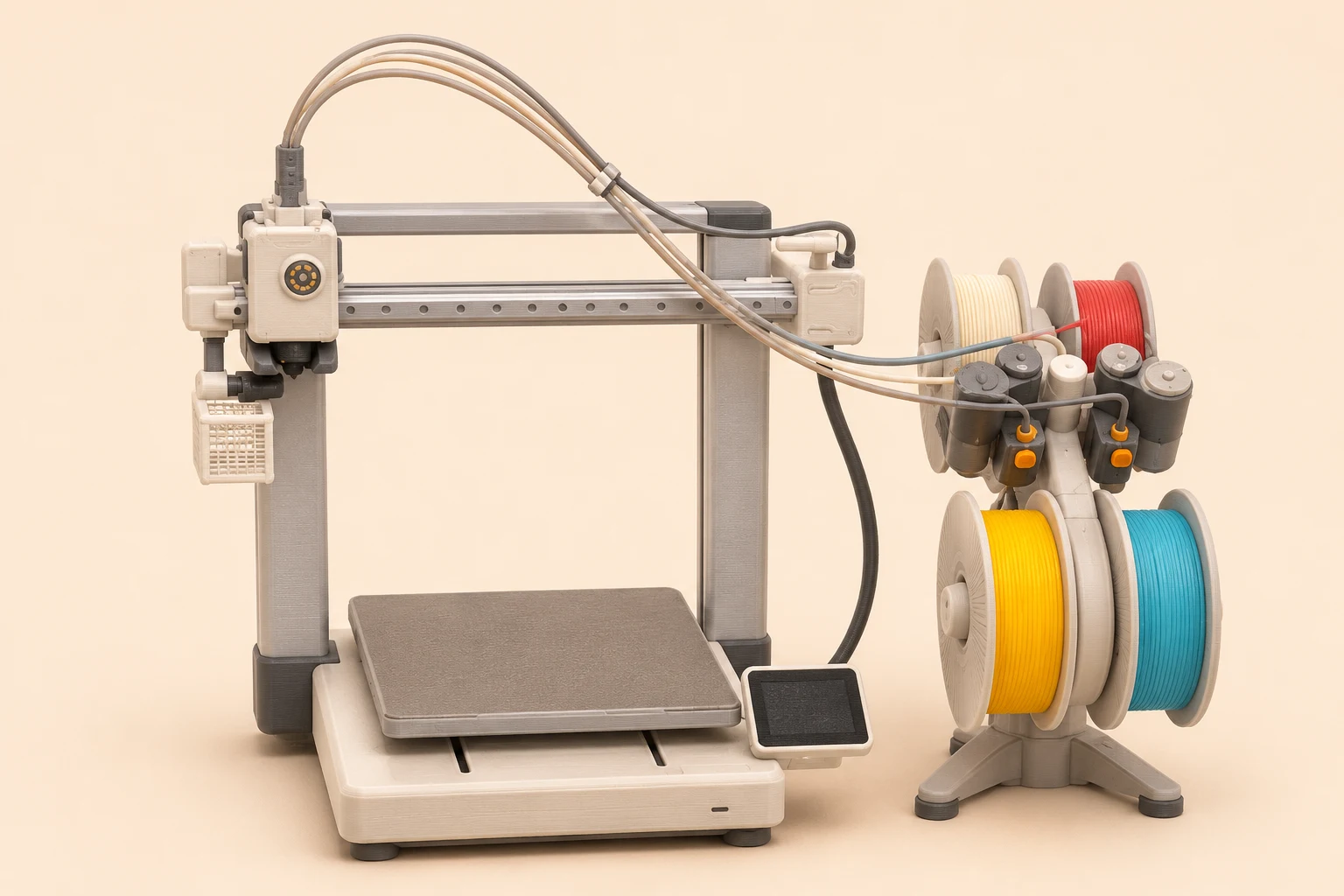
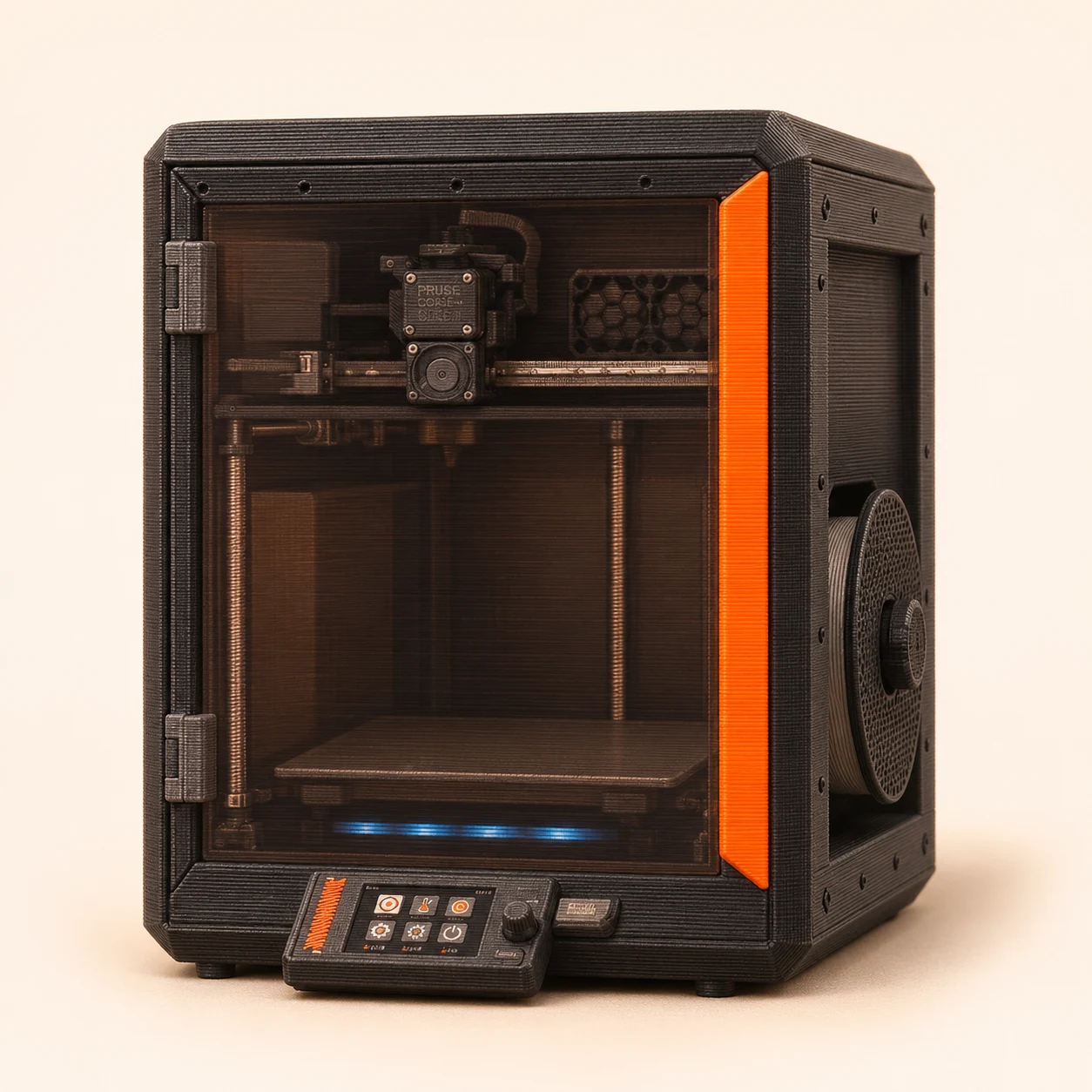
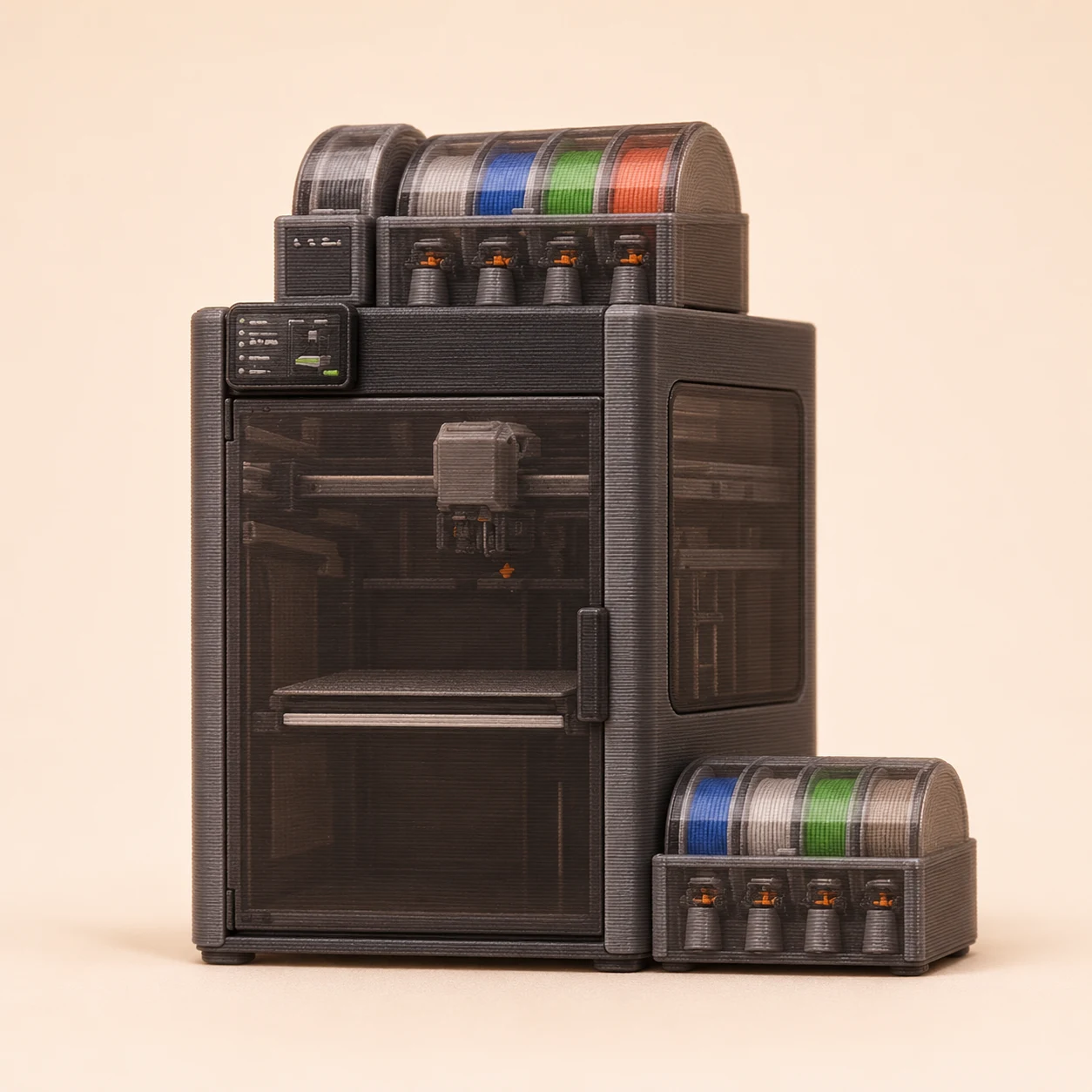
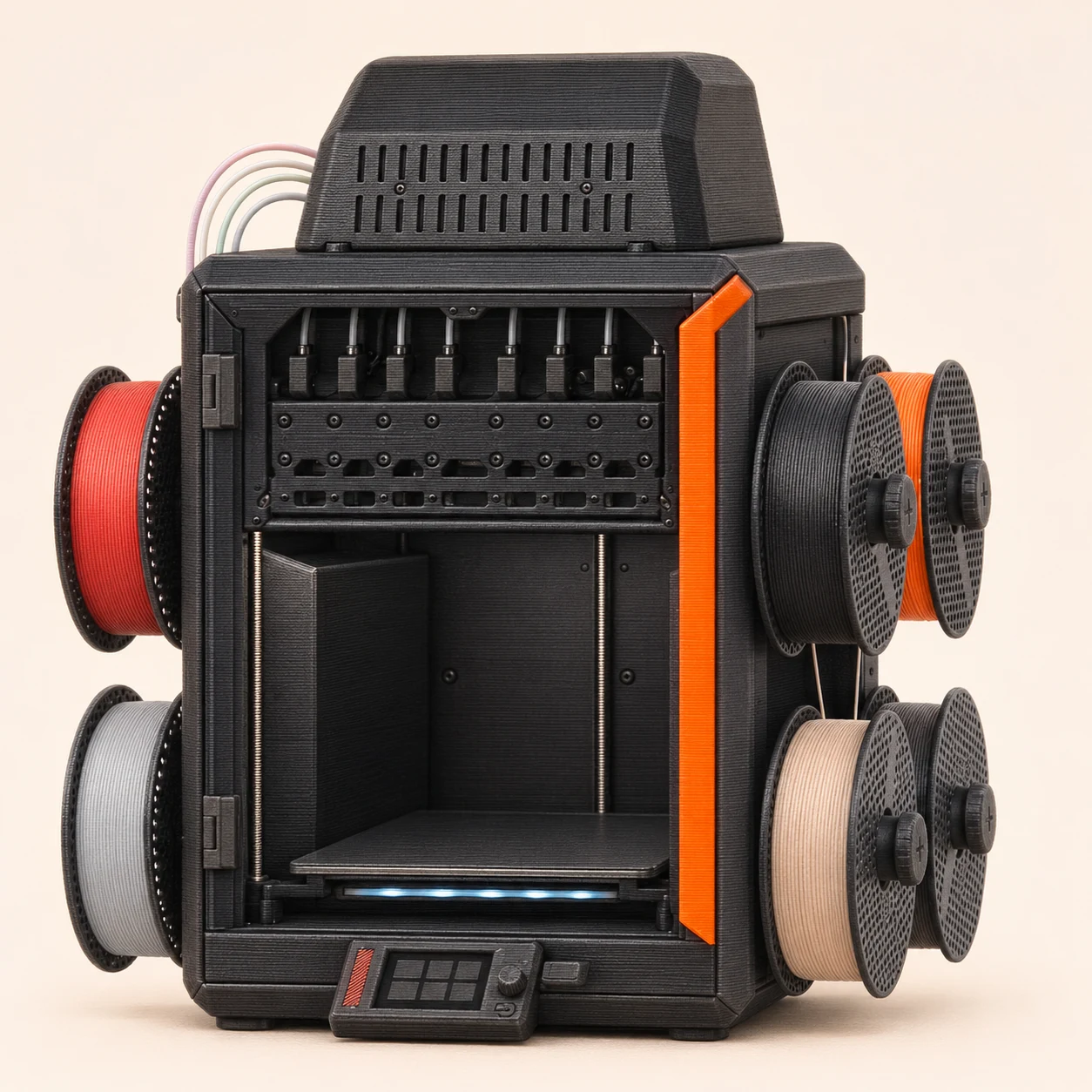
- Shared nozzle
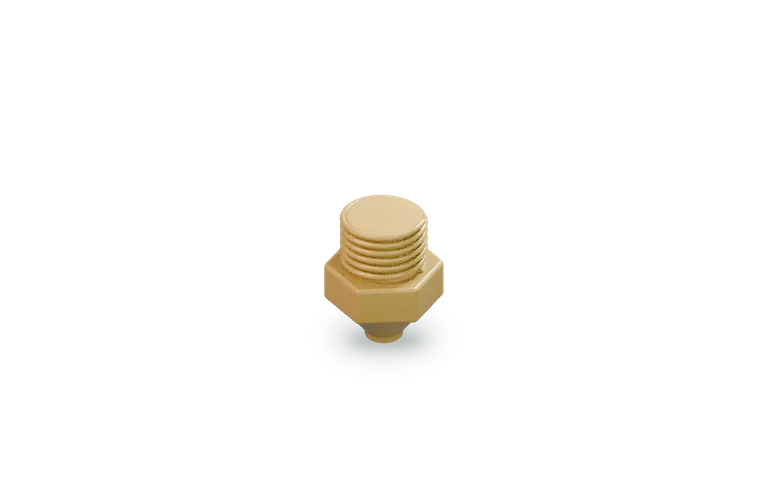
Unload, load and purge through one nozzle.
- Separate nozzles
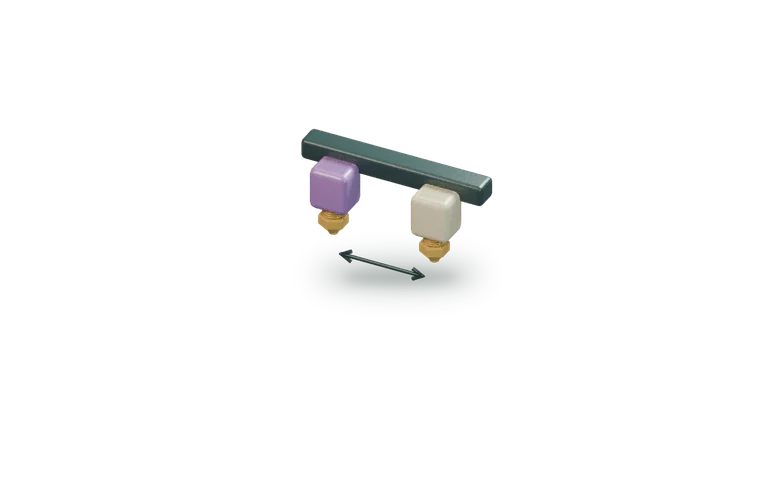
Switch the active nozzle; the layout varies.
- Full tool change
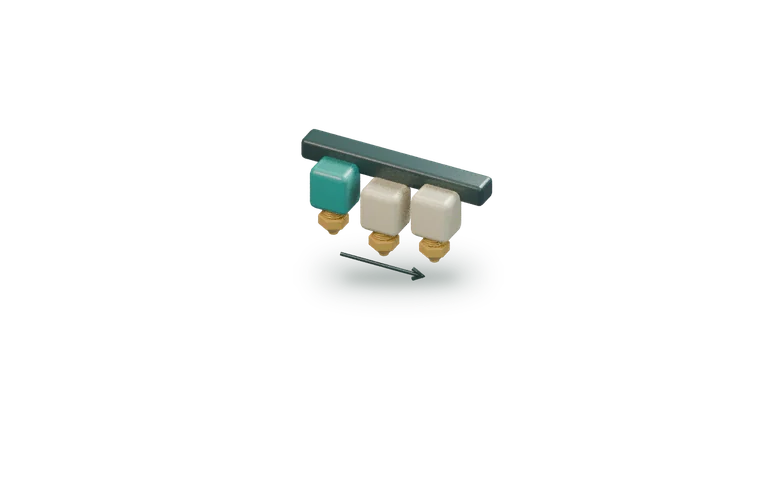
Swap a head with its own extruder and filament path.
Simplified models show the architecture; the actual feed path and motion vary by printer.
Try it before you buy it
Choose what changes.
Pick a system to compare.
The useful question is which system fits your projects. Compare a sliced job, the actual materials and the total setup cost.
Compare the current hardware →If you’ve been shopping for a multi-material 3D printer lately, you’ve probably noticed that every manufacturer seems to have a different solution. Some printers feed multiple filaments into a shared nozzle. Others use multiple nozzles. Some swap hotends. Others change entire toolheads. At first glance, many of these machines appear to accomplish the same thing. They can print multiple colors, multiple materials, or both.
The reality is that the way a printer changes from one material to another affects far more than the finished print. It impacts material waste, maintenance requirements, reliability, and ultimately what types of projects become practical. Understanding those differences can help you look beyond color counts and better understand what you’re actually buying.
Shared-Nozzle Systems
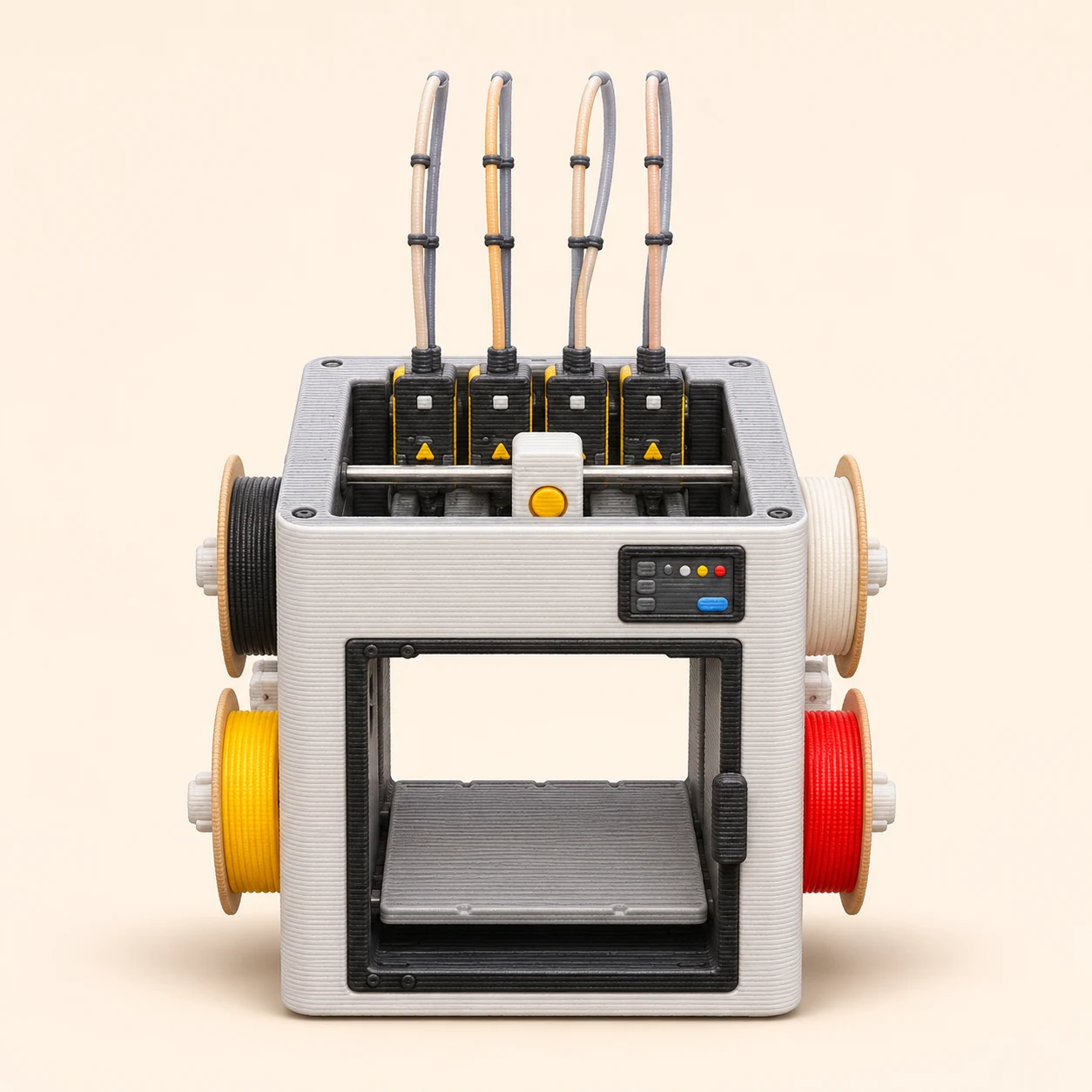
The most common approach uses a single nozzle. When a new color or material is needed, the printer unloads one filament, loads another, purges the remaining material from the nozzle, and continues printing. The advantage is flexibility. A single nozzle can access many colors and materials without adding much hardware complexity.
The tradeoff is waste. Every material change requires purging, which consumes filament that never becomes part of the finished print. For decorative models, toys, signs, and cosplay props, it’s often an excellent compromise. The Flashforge AD5X is an example: its filament system routes multiple inputs to a shared extruder and nozzle.
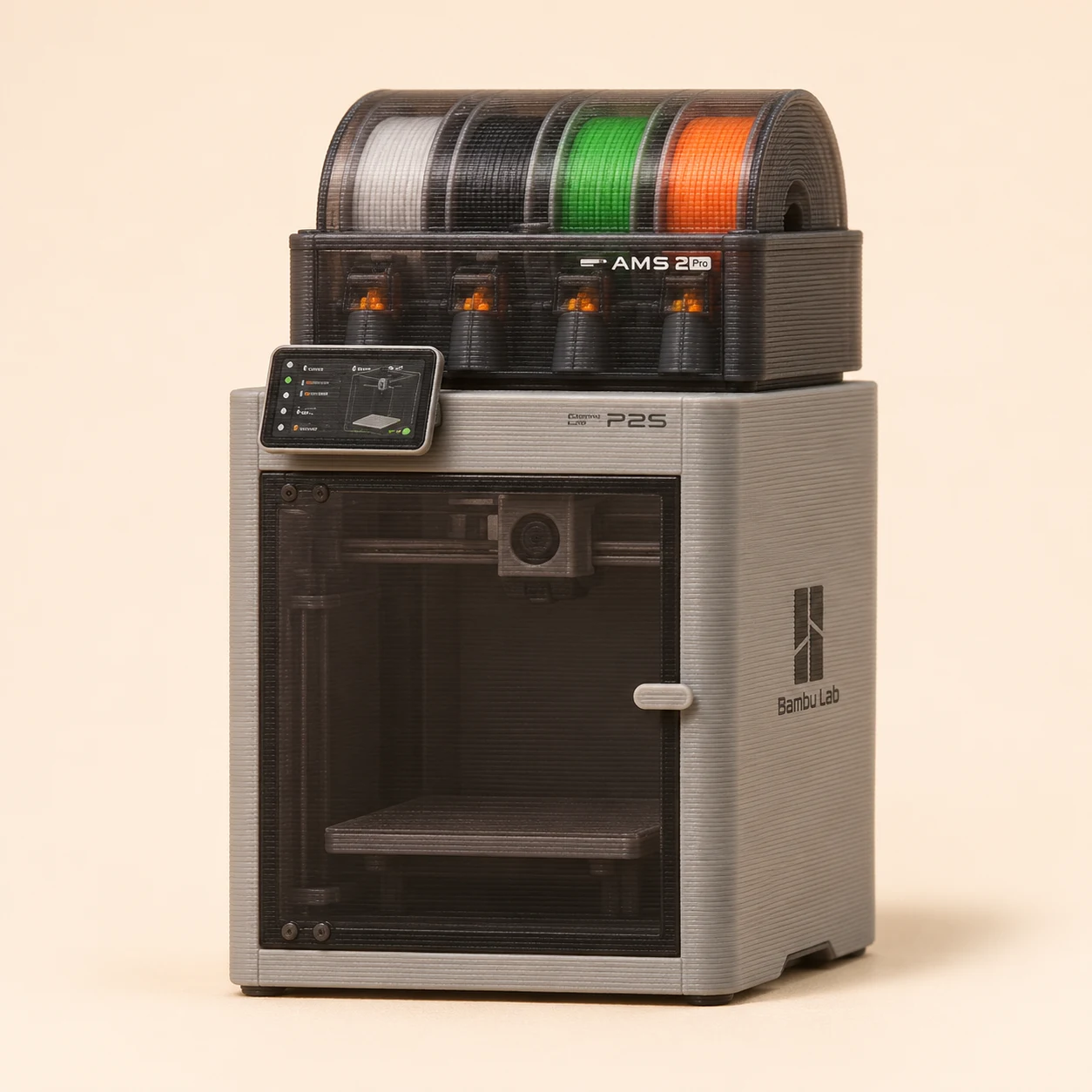
Multi-Nozzle Systems
Multi-nozzle printers keep multiple materials loaded simultaneously. Instead of changing filament, the printer switches between dedicated nozzles that are already loaded and ready to print. The advantage is cleaner material transitions and reduced waste. The tradeoffs depend on the machine. Nozzles that share a carriage add moving hardware and need careful alignment; a separate carriage or tool dock creates different calibration and space requirements.
Hotend-Changing Systems
A newer approach swaps hotends instead of repeatedly feeding different materials through a shared nozzle. The goal is to reduce purge waste while keeping the machine relatively compact. The advantage is efficiency. The tradeoff is added mechanical complexity because the printer must store, retrieve, and align multiple hotends throughout the print.
Multi-Toolhead Systems
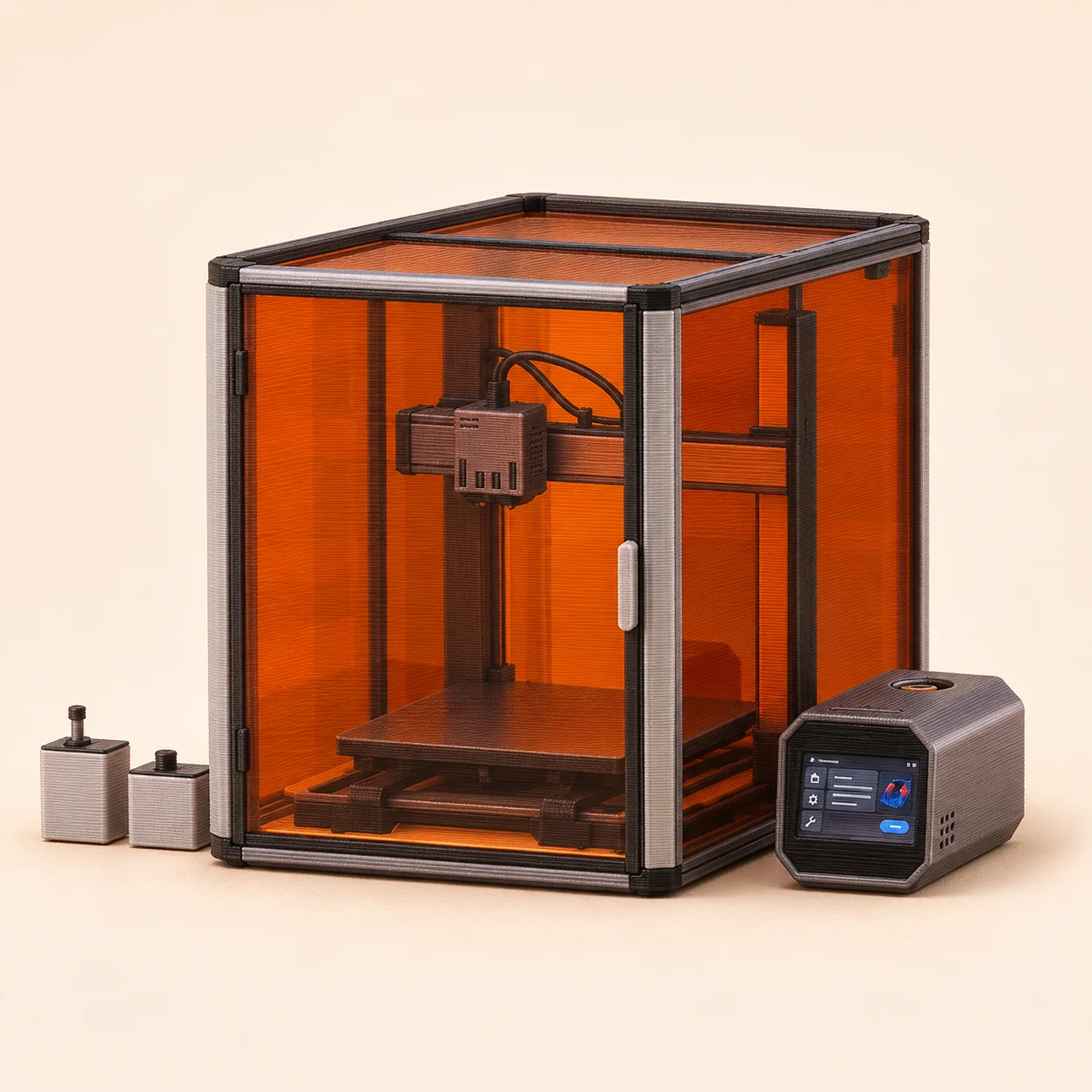
Multi-toolhead systems take the concept a step further. Each toolhead contains its own nozzle, extruder, and material path. When a material change is needed, the printer swaps to an entirely different toolhead. The advantage is material separation. Flexible materials, engineering materials, support materials, and standard filaments can remain isolated throughout the print while significantly reducing purge waste.
The tradeoff is a more sophisticated machine with more moving parts to manage. For makers interested in advanced multi-material workflows, that complexity can unlock capabilities that are difficult to achieve with other architectures.
The Snapmaker U1 is an example of a four-toolhead machine. Toolchanging can reduce filament-change purge waste, although the print may still use wiping or priming. Market West has worked with Snapmaker on events. A quick note about IDEX: IDEX stands for Independent Dual Extruder.
The two printheads move independently along the X axis. Typically one is parked while the other prints; some machines also support simultaneous duplicate or mirror prints, subject to their usable build area. For industrial uses, being able to duplicate or mirror your part in the same print job is highly efficient, but costly to implement.
Which One Is Better?
The cold truth is it is not which is better, but which is better for your project. They’re all optimized for different priorities. Shared-nozzle systems prioritize flexibility and large color counts. Multi-nozzle systems prioritize material changes, paying more into the machinery to save on time and waste. Hotend-changing systems focus on reducing waste while remaining compact for less complex needs.
Multi-toolhead systems prioritize material changes and advanced multi-material workflows. With the understanding of how each printer delivers on the technology of its multi-x system, you can make the informed decision of how you value the range of colors vs the variation of materials in your project. Happy Printing!