
Printer comparison
Find your next printer.
Compare the features. Understand the trade-offs. Find your fit.
Choose for your next three projects. These levels describe the workflow you want to learn—not how good a printer is.
21 priced filament configurations + Formnext launch notes · Updated November 17, 2026 · Selected shortlist, not every model on sale
Available now
Released retail models are shown first. Use the order-ahead filter for configurations with quoted lead times, regional preorder listings or a DIY build. Confirm local stock and delivery with the store.
USD prices sort together; GBP prices follow in a separate group. Select a printer for its full features, pros and cons.
Showing 17 of 21 printers
| Printer | Level | Build area | Best fit | |
|---|---|---|---|---|
| Bambu Lab A1 miniShared nozzle | USD 199.00 ↗Bambu Lab US · Listed Nov 13, 2026A1 mini printer only; AMS lite excluded | Beginner | 180 × 180 × 180 | Small toys & desk projects |
| Bambu Lab A1Shared nozzle | USD 259.00 ↗Bambu Lab US · Listed Nov 13, 2026A1 printer only; AMS lite excluded | Beginner | 256 × 256 × 256 | Everyday parts & larger first projects |
| Flashforge Adventurer 5M ProSingle nozzle | USD 379.00 ↗Flashforge US · Listed Nov 17, 2026Adventurer 5M Pro | Beginner | 220 × 220 × 220 | Straightforward enclosed printing |
| Elegoo Centauri Carbon 2 ComboShared nozzle | USD 399.00 ↗Elegoo US · Listed Nov 17, 2026Centauri Carbon 2 Combo with CANVAS | Intermediate | 256 × 256 × 256 | Color printing on a tighter budget |
| Bambu Lab P2S ComboShared nozzle | USD 649.00 ↗Bambu Lab US · Listed Nov 13, 2026P2S Combo with AMS 2 Pro | Intermediate | 256 × 256 × 256 | A versatile enclosed daily printer |
| Flashforge Creator 5Toolchanger | USD 699.00 ↗Flashforge US · Listed Nov 17, 2026Creator 5 with four tools | Advanced | 256 × 256 × 256 | A lower-cost route into whole-toolhead changes |
| QIDI Plus5Single nozzle | USD 699.00 ↗QIDI US · Listed Nov 17, 2026Plus5 / Standard; not Plus5 Combo | Advanced | 320 × 320 × 300 | Larger engineering-material projects |
| Snapmaker U1Toolchanger | USD 699.00 ↗Snapmaker US · Listed Nov 17, 2026U1 printer; optional top cover excluded | Advanced | 270 × 270 × 270 | Frequent color & material changes |
| Creality K3Nozzle changer | USD 849.00 ↗Creality US · Listed Nov 17, 2026Creality K3 printer; excludes deposits and accessories | Advanced | 260 × 260 × 260 | Four-material printing in the Creality ecosystem |
| Flashforge Creator 5 ProToolchanger | USD 849.00 ↗Flashforge US · Listed Nov 17, 2026Creator 5 Pro with four tools | Advanced | 256 × 256 × 256 | Four-tool printing with a controlled chamber |
| Creality K2 Plus ComboShared nozzle | USD 1,099.00 ↗Creality US · Listed Nov 17, 2026K2 Plus Combo with one CFS | Intermediate | 350 × 350 × 350 | Large props & batches of parts |
| Prusa CORE One+Single nozzle | USD 1,299.00 ↗Prusa US · Listed Nov 17, 2026CORE One+ assembled; MMU3 excluded | Intermediate | 250 × 220 × 270 | Repairability & a long-term workshop |
| Bambu Lab H2DFixed dual nozzle | USD 1,599.00 ↗Bambu Lab US · Listed Nov 13, 2026H2D AMS Combo with AMS 2 Pro; laser excluded | Advanced | 325 × 320 × 325 single; 300 × 320 × 325 dual | Larger dual-material projects |
| Snapmaker ArtisanFixed dual nozzle | USD 1,799.00 ↗Snapmaker US · Listed Nov 17, 2026Artisan / 3-in-1 3D Printer Standard Version | Advanced | 350 × 400 × 400 dual nozzle | Large dual-material prints and a multipurpose workshop |
| Bambu Lab H2CNozzle changer | USD 1,899.00 ↗Bambu Lab US · Listed Nov 13, 2026H2C AMS Combo; not Ultimate or Laser bundle | Advanced | 305 × 320 × 325 single; 300 × 320 × 325 dual | Lower-flush color changes in the H2 platform |
| Bambu Lab H3CNozzle changer | USD 2,499.00 ↗Bambu Lab US · Listed Nov 3, 2026H3C with AMS 3H | Advanced | 330 × 320 × 325 | Many materials in one enclosed machine |
| Prusa XL+ · five-toolToolchanger | USD 3,899.00 ↗Prusa US · Listed Nov 17, 2026XL+ five-head, semi-assembled configuration | Advanced | 360 × 360 × 360 | Large multi-material parts |
Find your workflow
Beginner
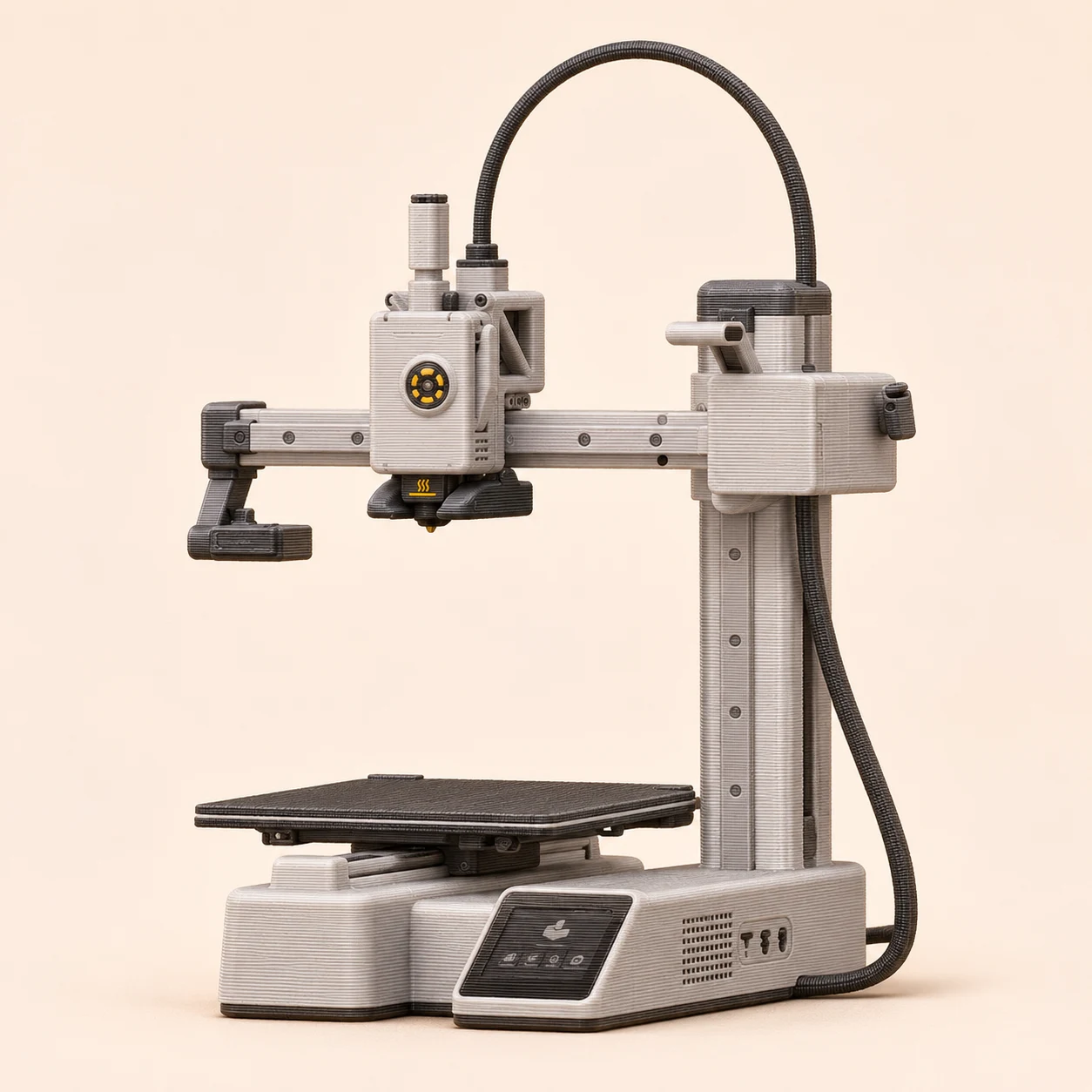
Small toys & desk projects
Bambu Lab A1 mini
A compact, approachable way to make small models in PLA or PETG.
- Build area
- 180 × 180 × 180 mm
- Setup
- Open frame · 1 nozzle; optional 4-spool AMS lite
- Changes
- Shared nozzle
- Why beginner?
- Automatic calibration and ready-made profiles let you learn slicing without first building the machine.
Two good reasons
- Easy setup and consistently good stock-profile results.
- Optional AMS lite adds four-color printing.
Two trade-offs
- The 180 mm plate limits one-piece projects.
- Open construction limits heat-sensitive material choices; color swaps add purge waste.
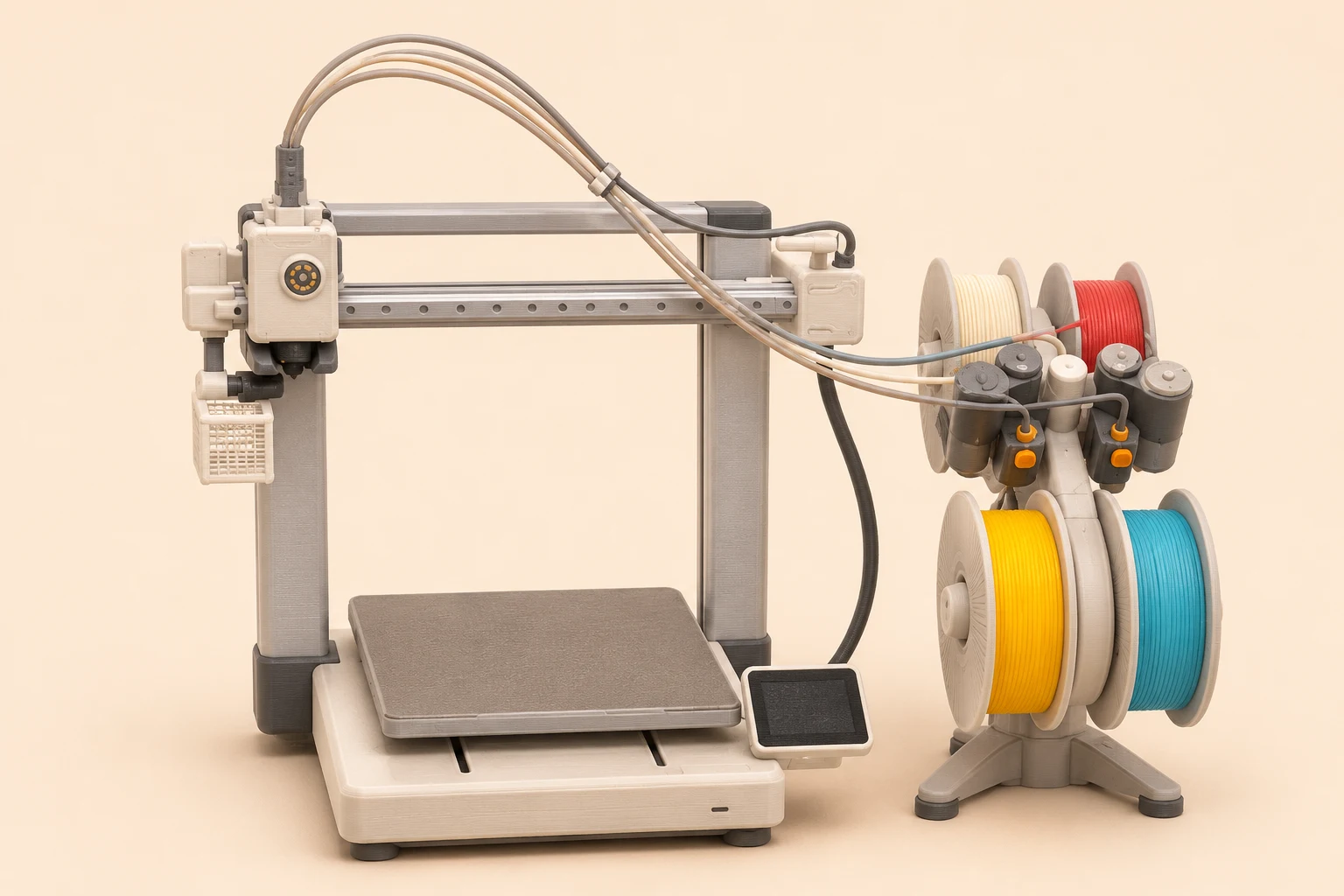
Everyday parts & larger first projects
Bambu Lab A1
A larger plate without jumping straight to a more expensive enclosed system.
- Build area
- 256 × 256 × 256 mm
- Setup
- Open frame · 1 nozzle; optional AMS lite
- Changes
- Shared nozzle
- Why beginner?
- The guided workflow is similar to the mini, with more room for boxes, toys and your own designs.
Two good reasons
- Automatic calibration takes much of the first-layer setup out of your hands.
- Generous everyday build area and optional four-color feeder.
Two trade-offs
- The moving bed and AMS lite need more bench space than the print size suggests.
- No enclosure for draft-sensitive materials; the camera is low frame rate.
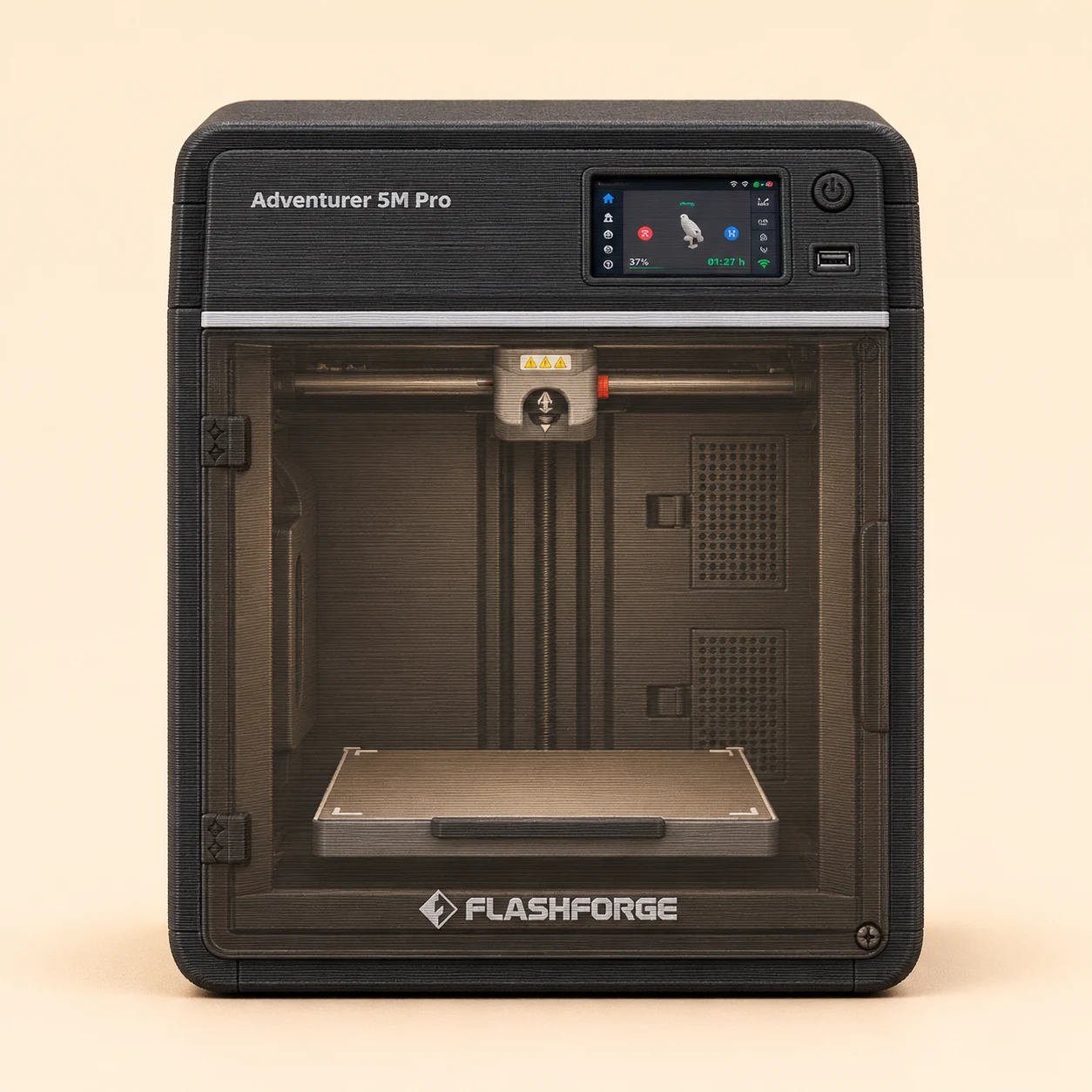
Straightforward enclosed printing
Flashforge Adventurer 5M Pro
Enclosed CoreXY motion and quick-change nozzle assemblies in a compact package.
- Build area
- 220 × 220 × 220 mm
- Setup
- Enclosed · single-color standard setup
- Changes
- Single nozzle
- Why beginner?
- Mostly assembled hardware and automatic leveling suit a first-time owner who wants a single-color workflow.
Two good reasons
- Enclosure and automatic leveling simplify an everyday setup.
- Quick-change nozzle assemblies make maintenance convenient.
Two trade-offs
- Smaller build area than many 256 mm competitors.
- Fans can be noisy; it has no native automatic multicolor system.
Find your workflow
Intermediate
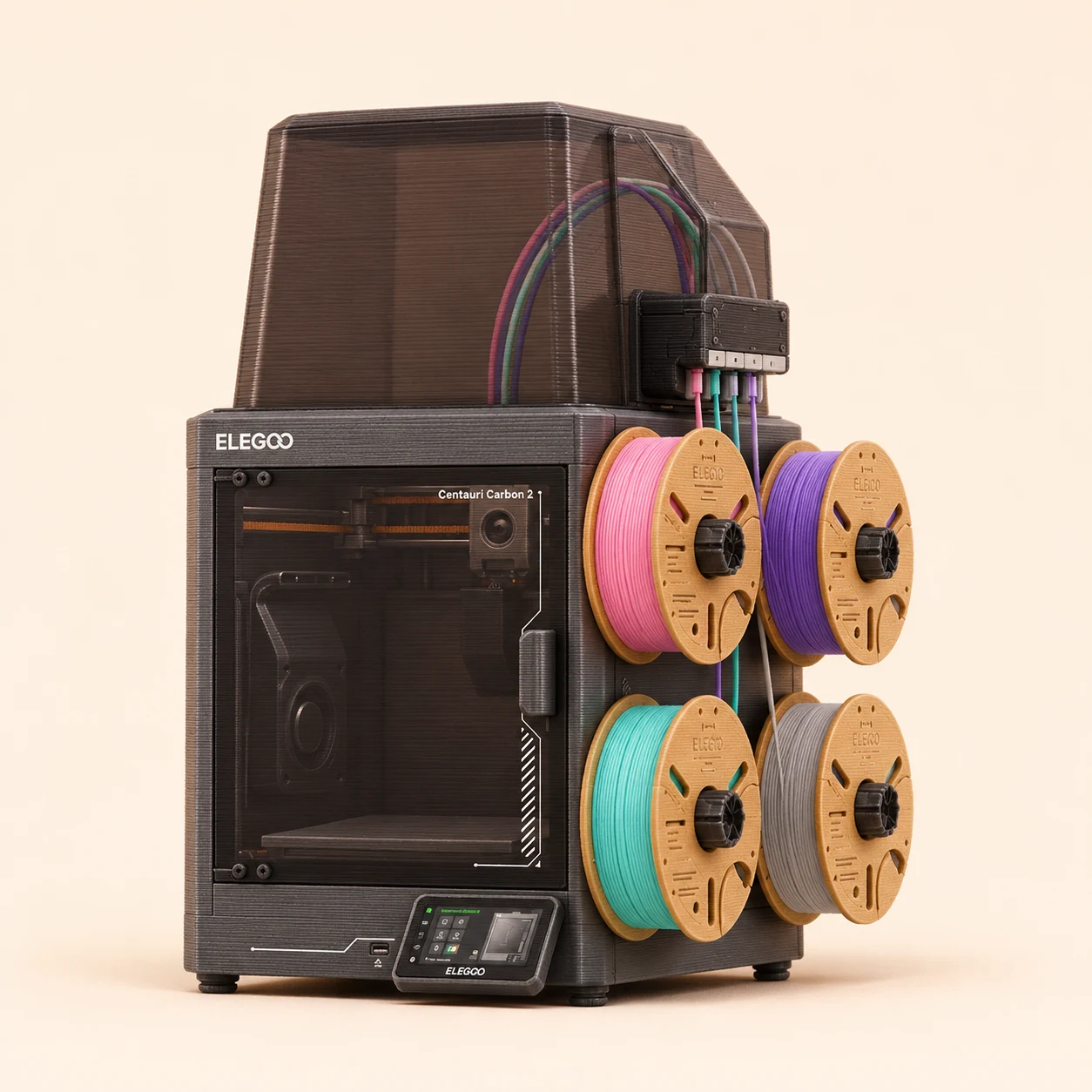
Color printing on a tighter budget
Elegoo Centauri Carbon 2 Combo
The Combo includes CANVAS rather than promising a future add-on for the original Carbon.
- Build area
- 256 × 256 × 256 mm
- Setup
- Enclosed · CANVAS 4-spool shared nozzle
- Changes
- Shared nozzle
- Why intermediate?
- The basics are automated; managing four spools, transitions and material profiles adds the next layer of learning.
Two good reasons
- Enclosure and automatic calibration at a competitive feature level.
- Included CANVAS gives four-color capability.
Two trade-offs
- Shared-nozzle changes consume extra filament and time.
- Exposed spools need separate moisture management for sensitive materials.
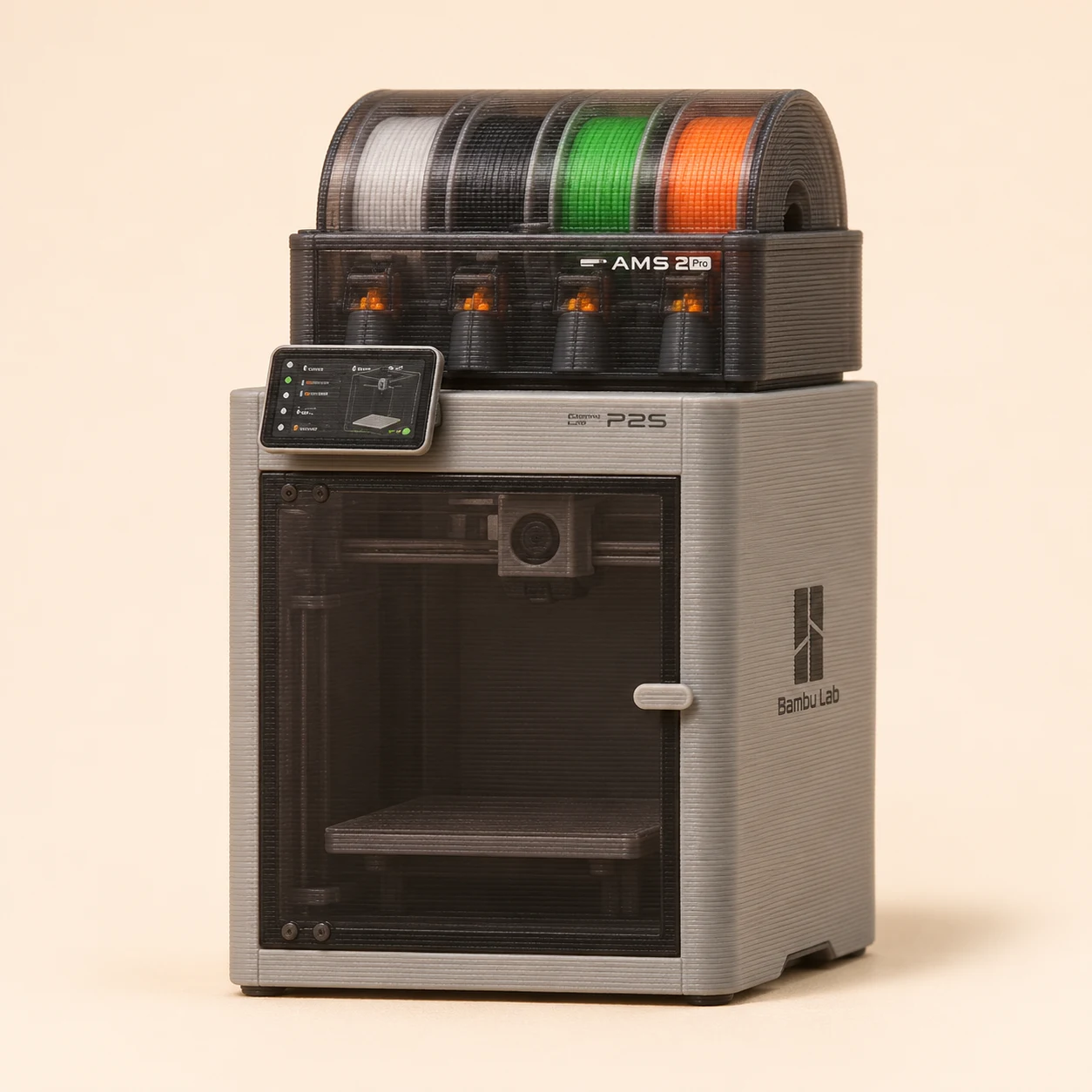
A versatile enclosed daily printer
Bambu Lab P2S Combo
Polished software, a clearer touchscreen and automated monitoring make recurring projects easier.
- Build area
- 256 × 256 × 256 mm
- Setup
- Enclosed · AMS 2 Pro shared nozzle
- Changes
- Shared nozzle
- Why intermediate?
- Approachable enough for a beginner, but most useful when you are ready to manage materials and repeated color changes.
Two good reasons
- Strong everyday print quality with a well-integrated workflow.
- Combo includes AMS 2 Pro for automatic spool changes and drying features.
Two trade-offs
- A single nozzle still purges during filament changes.
- The printer platform is proprietary and there is no active chamber heater.
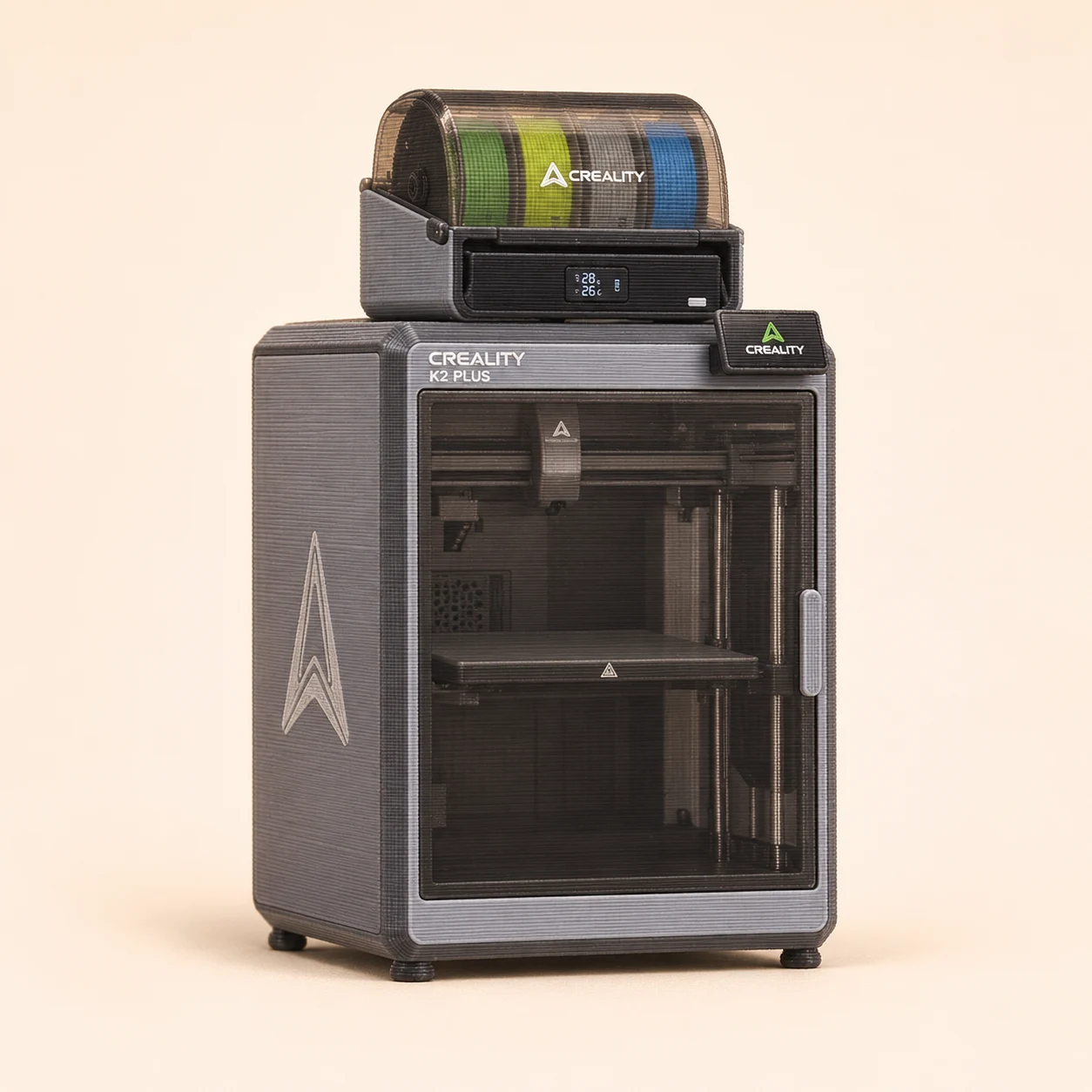
Large props & batches of parts
Creality K2 Plus Combo
The 350 mm cube can avoid some of the seams needed on a smaller machine.
- Build area
- 350 × 350 × 350 mm
- Setup
- Heated enclosure · CFS shared nozzle
- Changes
- Shared nozzle
- Why intermediate?
- The automatic features help, but a large heated machine and long prints reward experience with adhesion and material handling.
Two good reasons
- Large build volume for props and batch layouts.
- Active chamber heating and bundled CFS expand the workflow.
Two trade-offs
- Large, heavy hardware needs a substantial workbench.
- CFS swaps add purge waste; a failed large print costs more time and material.
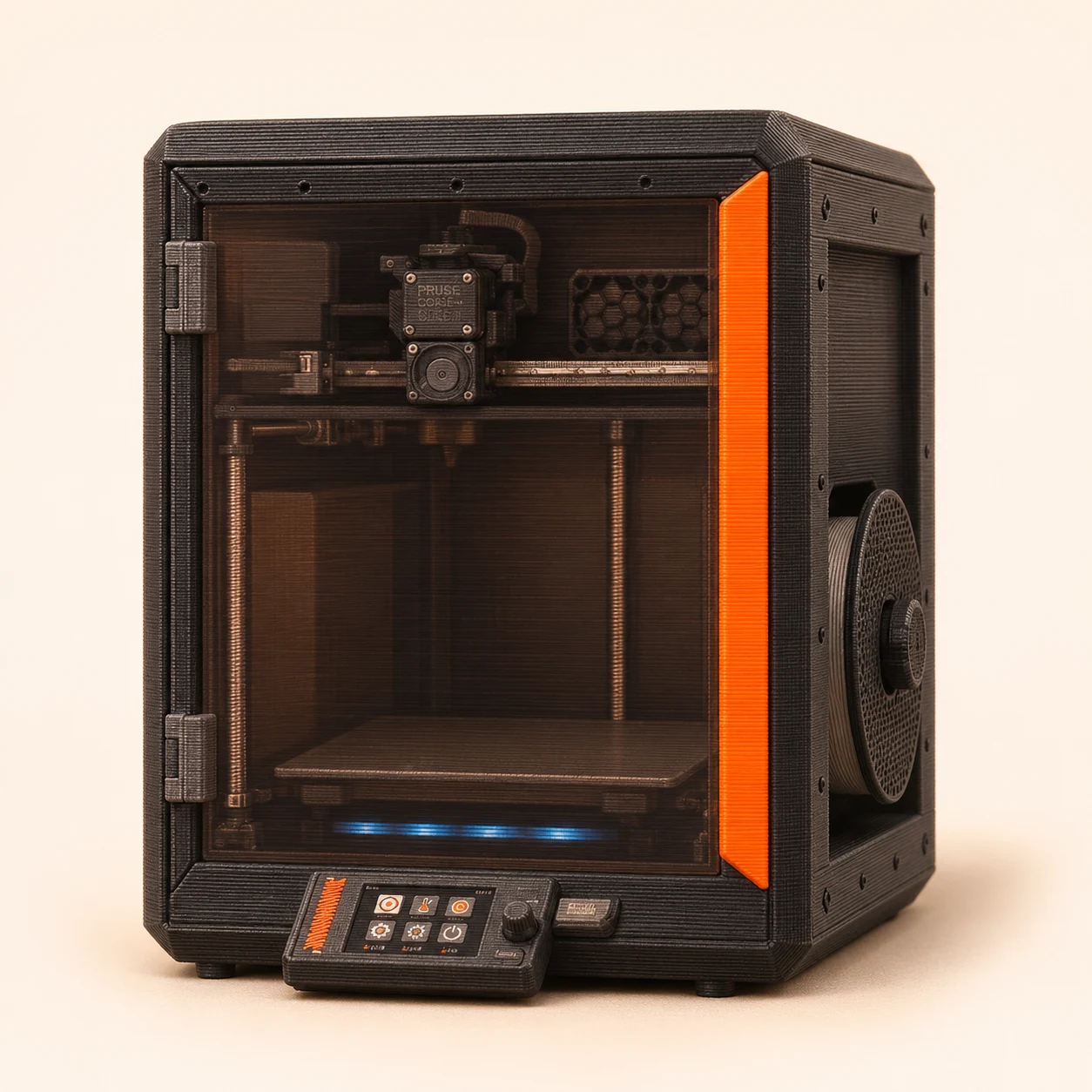
Repairability & a long-term workshop
Prusa CORE One+
Detailed service documentation and upgrade paths support keeping the machine useful over time.
- Build area
- 250 × 220 × 270 mm
- Setup
- Enclosed · standard single tool; optional MMU3 or INDX
- Changes
- Single nozzle
- Why intermediate?
- A strong fit when maintenance, material profiles and understanding the hardware matter as much as automatic setup.
Two good reasons
- Well-documented maintenance and replaceable parts.
- Enclosed CoreXY design with an established slicer ecosystem.
Two trade-offs
- Higher upfront cost than many similarly sized machines.
- Multicolor costs extra; MMU3 and INDX are different configurations.
Find your workflow
Advanced
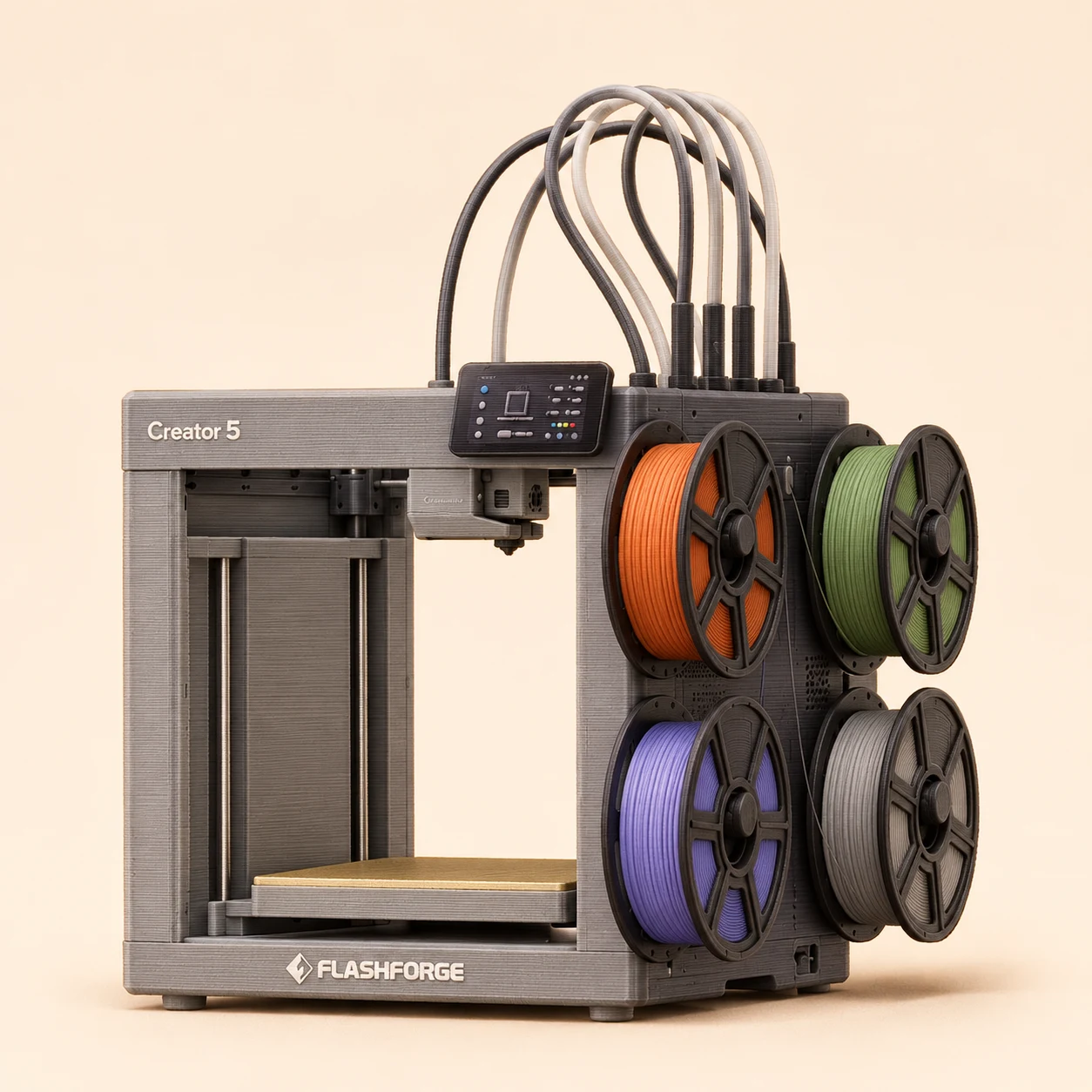
A lower-cost route into whole-toolhead changes
Flashforge Creator 5
Four independent extrusion paths avoid repeatedly flushing different colors through one nozzle.
- Build area
- 256 × 256 × 256 mm
- Setup
- FlashSwap · 4 independent toolheads · open frame
- Changes
- Toolchanger
- Why advanced?
- Four loaded heads simplify transitions, but material pairing and maintaining each head are still advanced workflow skills.
Order status: Product order page and independent review available; confirm stock.
Specifications and an independent hands-on Creator 5 review.
Two good reasons
- Four complete toolheads are included in the platform.
- A competitive entry point for frequent material changes.
Two trade-offs
- Open construction limits enclosure-dependent work.
- Four tools set the native material limit and add maintenance points.
Larger engineering-material projects
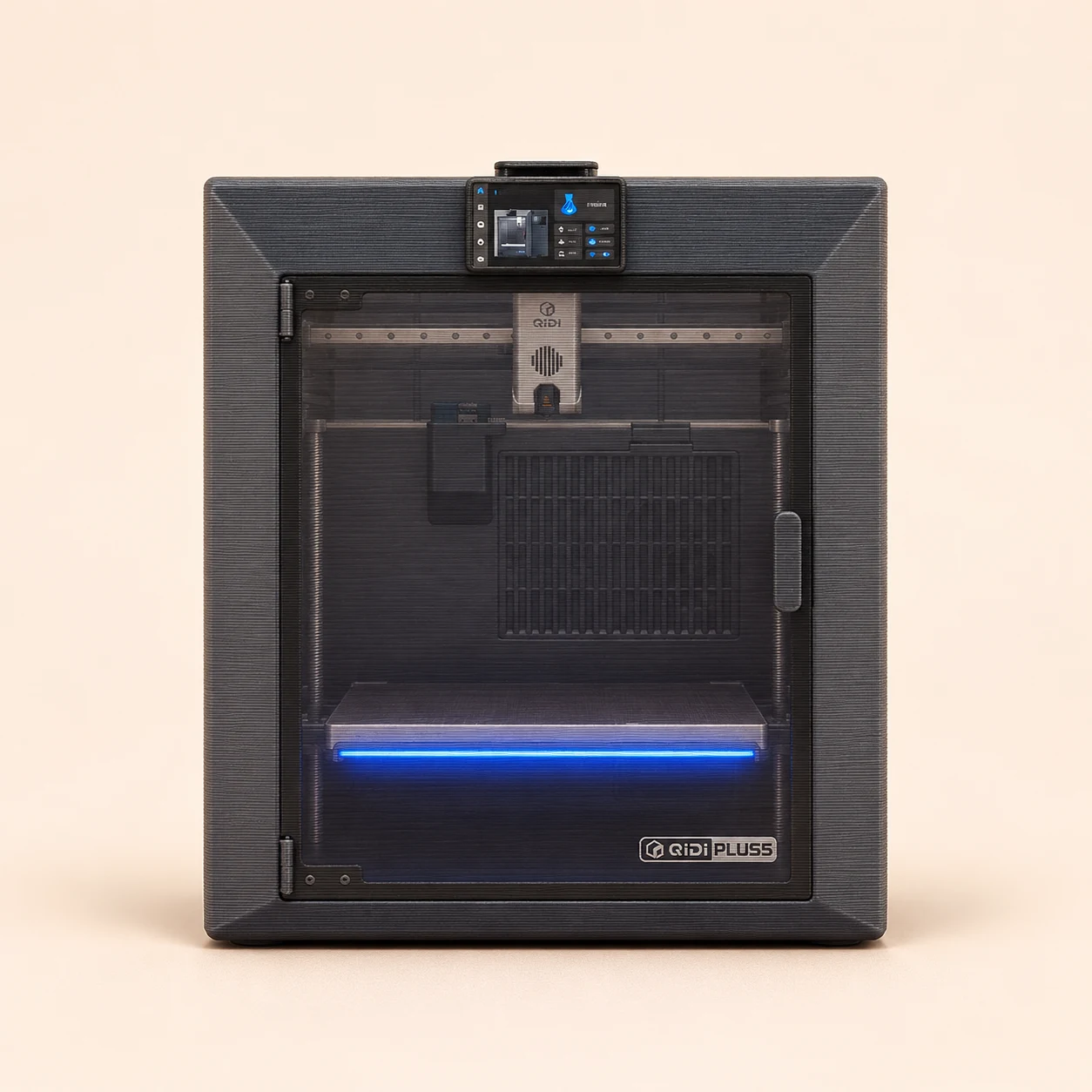
QIDI Plus5
A 65°C chamber and 370°C-rated hotend open a broader material range when the complete setup is compatible.
- Build area
- 320 × 320 × 300 mm
- Setup
- Heated enclosure · standard single nozzle
- Changes
- Single nozzle
- Why advanced?
- Heated-chamber printing asks for more attention to drying, material-specific profiles and the workspace.
Two good reasons
- Active chamber heating helps with warp-prone materials.
- Generous build volume for functional parts.
Two trade-offs
- Bulky, heavy hardware and noticeable fan noise.
- The standard single-nozzle setup does not provide independent material paths.
Frequent color & material changes
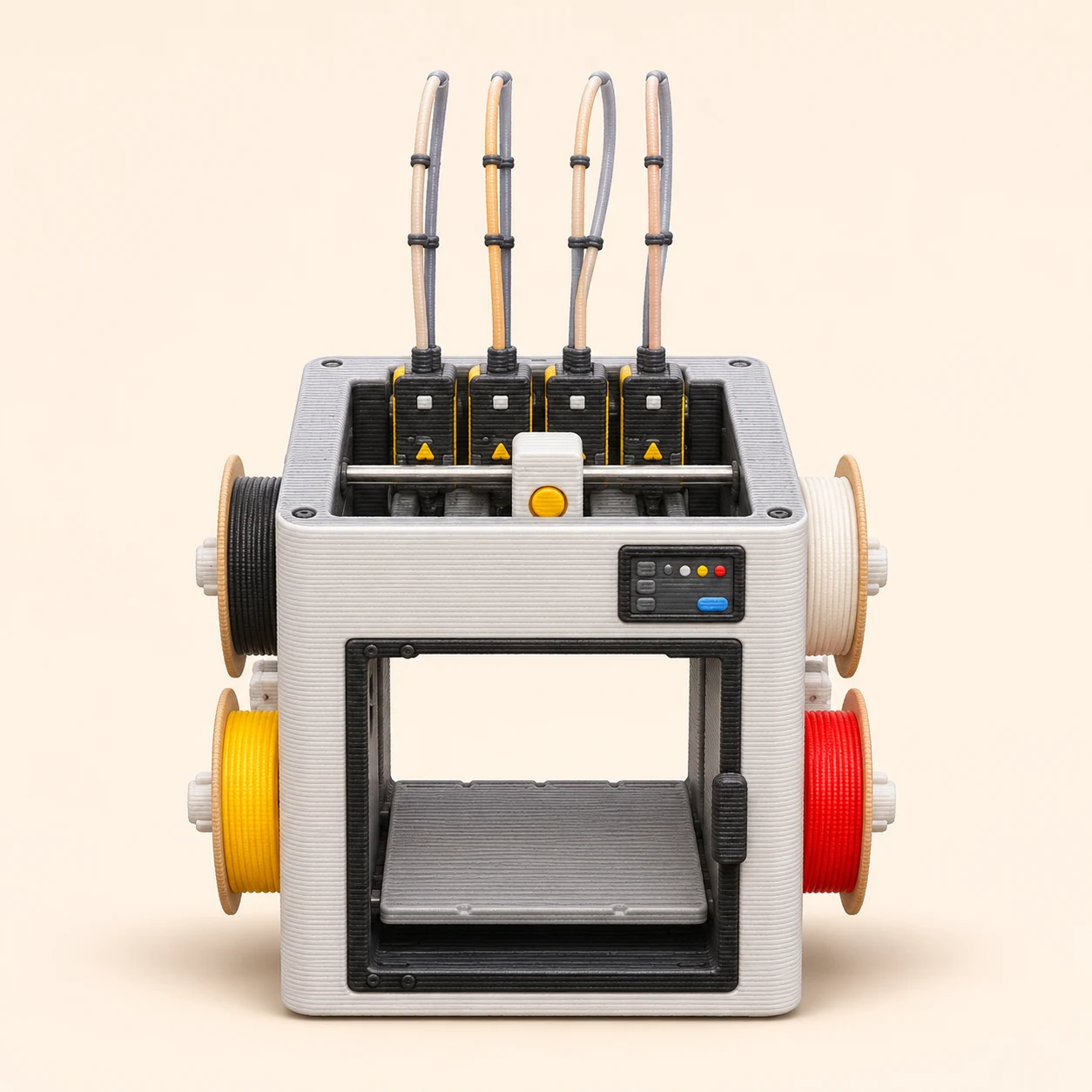
Snapmaker U1
Separate filament paths reduce shared-nozzle flushing on frequently changing prints. Priming still uses material.
- Build area
- 270 × 270 × 270 mm
- Setup
- 4 independent toolheads · optional top cover
- Changes
- Toolchanger
- Why advanced?
- Automatic setup is approachable; the advanced value is planning compatible materials, tool assignments and support interfaces.
Two good reasons
- Four included heads make repeated color changes practical.
- Independent paths enable useful support-material combinations.
Two trade-offs
- The standard open top needs an optional cover for enclosure-dependent work.
- Four heads and docks add maintenance points; tool changes remain audible.
Four-material printing in the Creality ecosystem
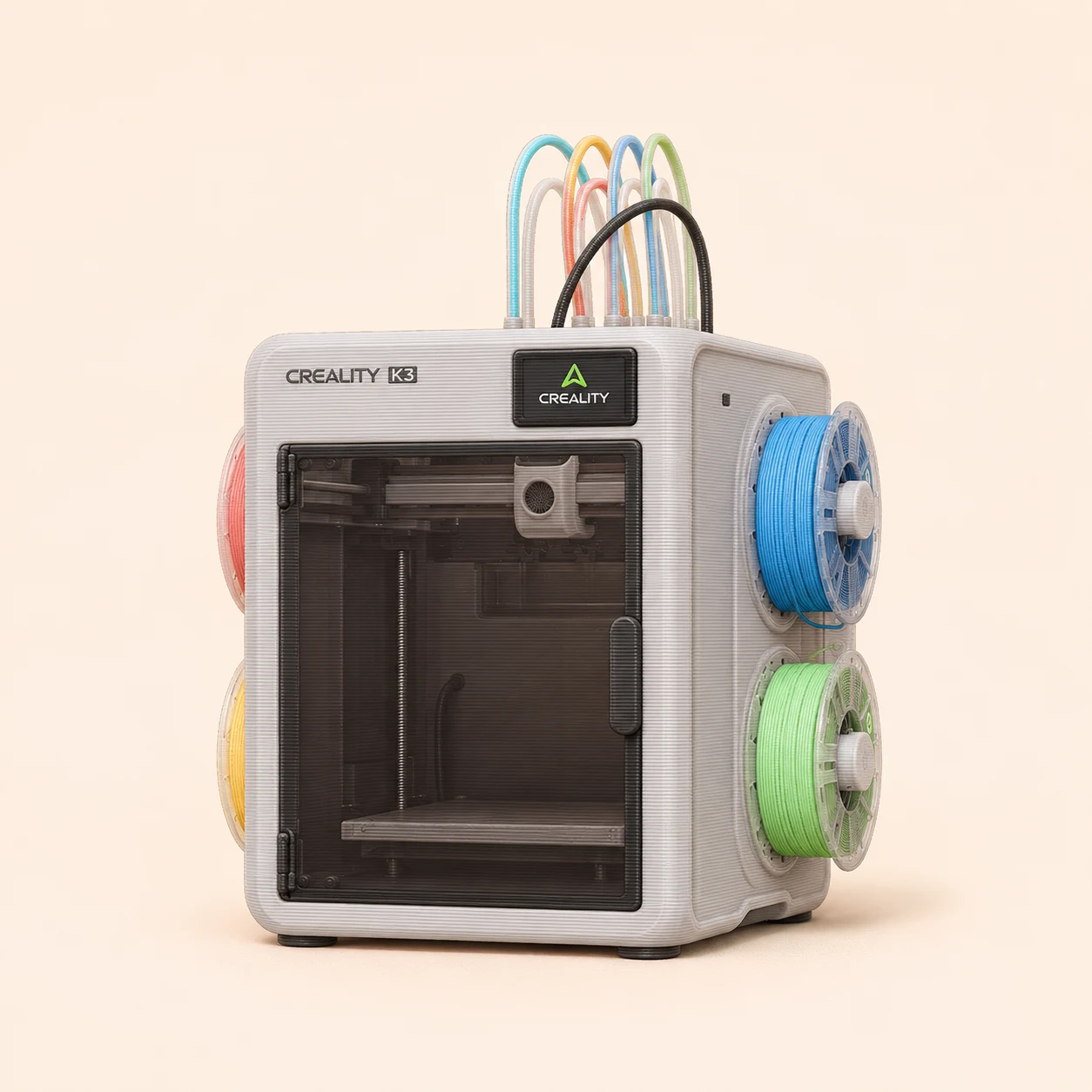
Creality K3
Dedicated nozzle tools reduce color-transition flushing without moving a complete extruder for each tool.
- Build area
- 260 × 260 × 260 mm
- Setup
- KliTek · 4 nozzle tools sharing the moving extrusion/cooling head
- Changes
- Nozzle changer
- Why advanced?
- Nozzle-tool selection, feeder compatibility and optional accessories need more planning than a single-color printer.
Order status: New 2026 release with an independent November review; regional listings may still use pre-order wording.
Maker specifications and a November 2 hands-on review; accessory readiness is not guaranteed by the base printer listing.
Two good reasons
- Four dedicated tools reduce transition waste.
- Automatic calibration and useful monitoring simplify repeated jobs.
Two trade-offs
- Only four native materials, with spool-holder compatibility limitations reported in review.
- Loud open-top configuration; verify top-cover and soft-TPU accessory availability.
Four-tool printing with a controlled chamber
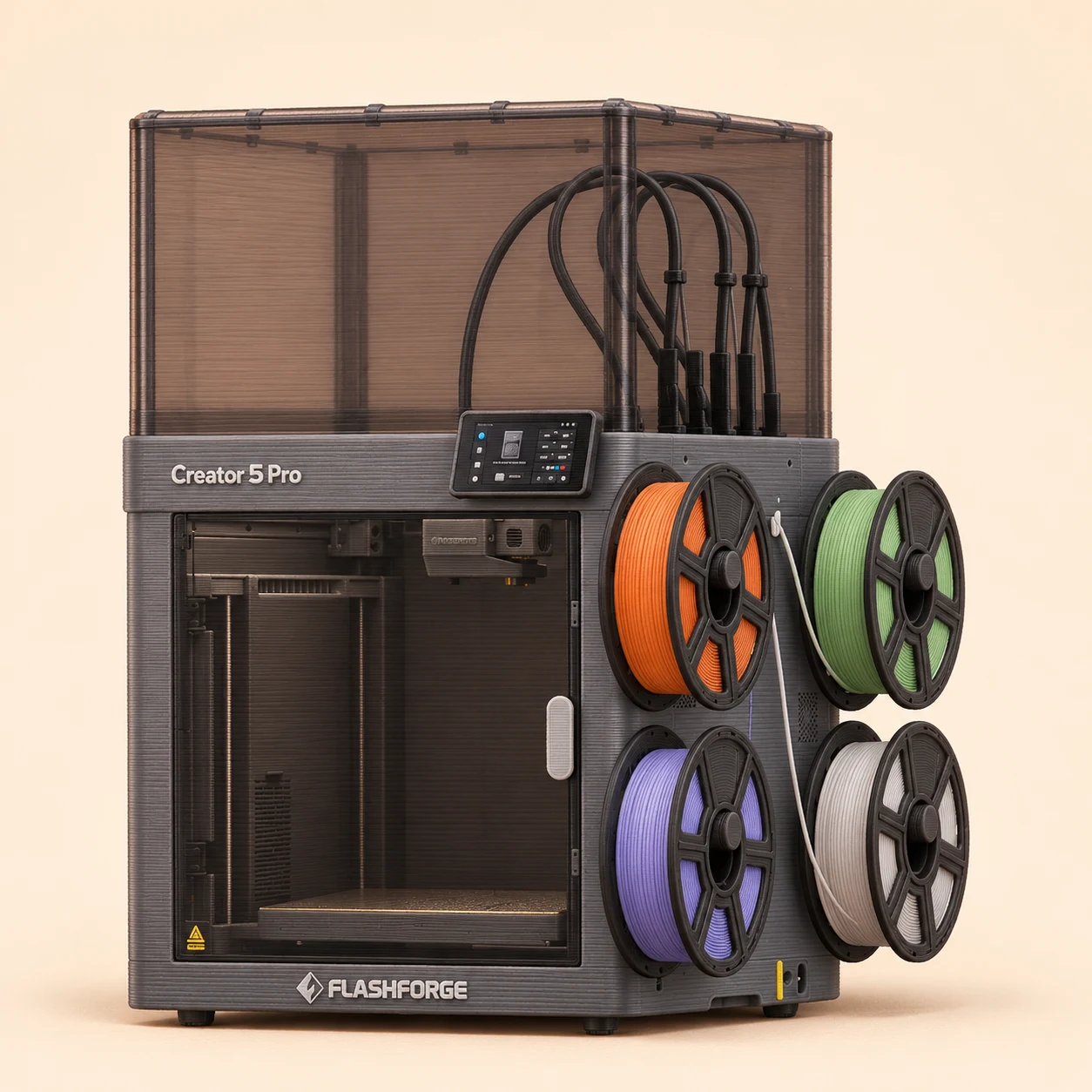
Flashforge Creator 5 Pro
Adds an enclosed, heated printing environment to the Creator 5’s four-tool architecture.
- Build area
- 256 × 256 × 256 mm
- Setup
- FlashSwap · 4 independent heads · actively heated enclosure
- Changes
- Toolchanger
- Why advanced?
- The enclosure broadens the projects, while four material paths still call for compatible profiles, drying and careful transitions.
Order status: Product order page and multiple hands-on reviews available; confirm stock.
Maker comparison and independent exact-model reviews.
Two good reasons
- Four dedicated heads reduce shared-nozzle transition flushing.
- Active chamber heating supports more temperature-sensitive workflows.
Two trade-offs
- The 256 mm cube limits larger one-piece props.
- Check nozzle availability and slicer support for the exact workflow; ecosystem limits matter.
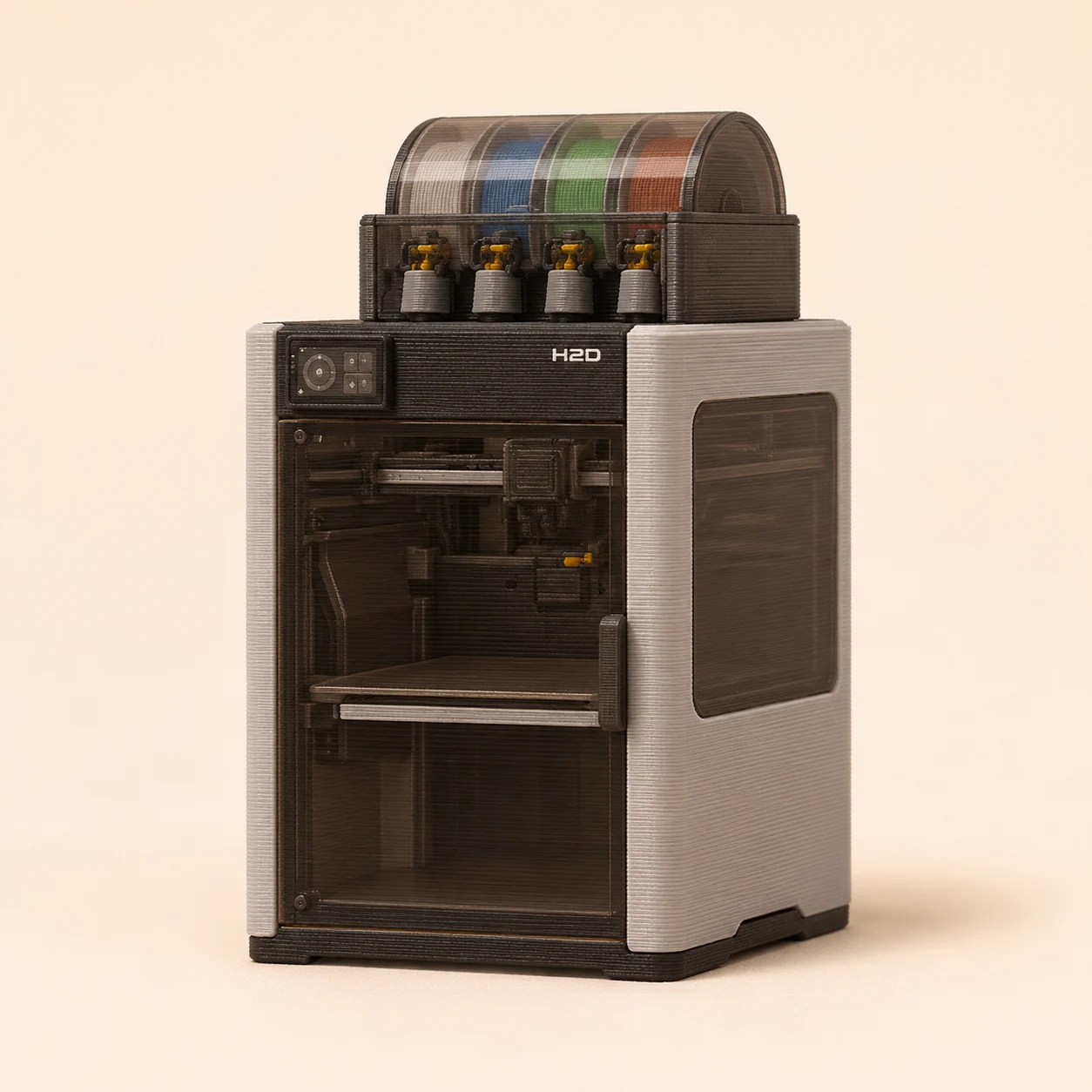
Larger dual-material projects
Bambu Lab H2D
Two loaded nozzles can separate a model material and its support interface without flushing every transition through one nozzle.
- Build area
- 325 × 320 × 325 single; 300 × 320 × 325 dual mm
- Setup
- Heated enclosure · 2 nozzles; AMS optional by bundle
- Changes
- Fixed dual nozzle
- Why advanced?
- It can automate routine printing, but two-nozzle jobs require checking the usable area and how the chosen materials work together.
Two good reasons
- Dual-nozzle workflow supports more demanding material combinations.
- Heated chamber and larger usable area suit bigger functional projects.
Two trade-offs
- High purchase cost and a substantial footprint.
- Dual-nozzle overlap is smaller than the advertised combined envelope.
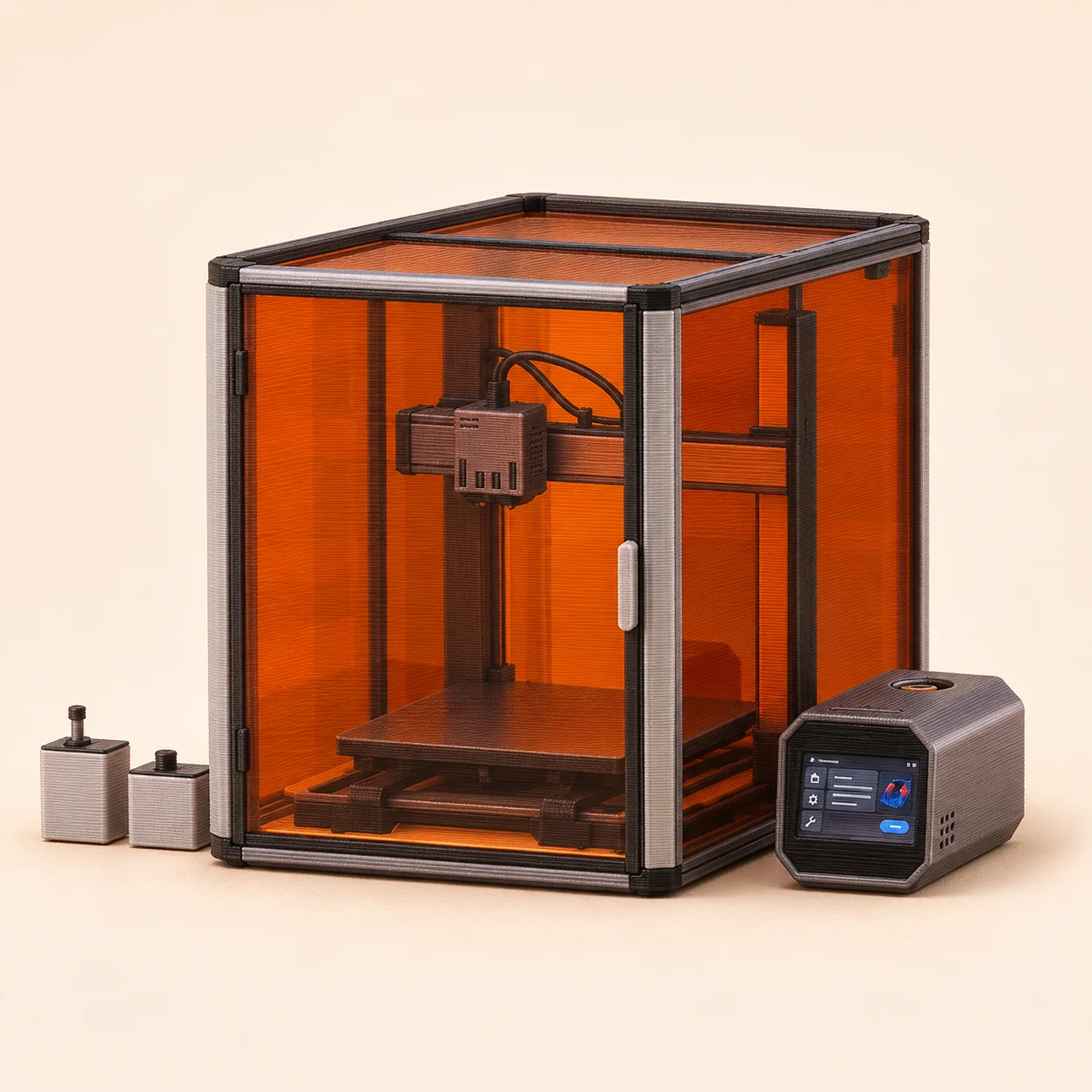
Large dual-material prints and a multipurpose workshop
Snapmaker Artisan
Two dedicated material paths support compatible two-color or support-material projects, with laser and CNC capability in the 3-in-1 package.
- Build area
- 350 × 400 × 400 dual nozzle mm
- Setup
- Fixed dual nozzle · lifting inactive nozzle · modular 3-in-1
- Changes
- Fixed dual nozzle
- Why advanced?
- Two nozzles share one carriage. This is fixed dual extrusion, not IDEX or an automatic toolhead changer. Switching to laser or CNC is a separate manual module change.
Order status: Standard Artisan 3-in-1 package listed by Snapmaker US; confirm delivery at checkout.
Two good reasons
- Dedicated dual extrusion avoids reloading one nozzle for every material change.
- Large usable dual-nozzle area and interchangeable laser/CNC modules add workshop versatility.
Two trade-offs
- The enclosed machine needs substantial bench space and costs more than a dedicated entry-level printer.
- Module changes and calibration add setup work; it is less focused on fast printing than modern dedicated CoreXY machines.
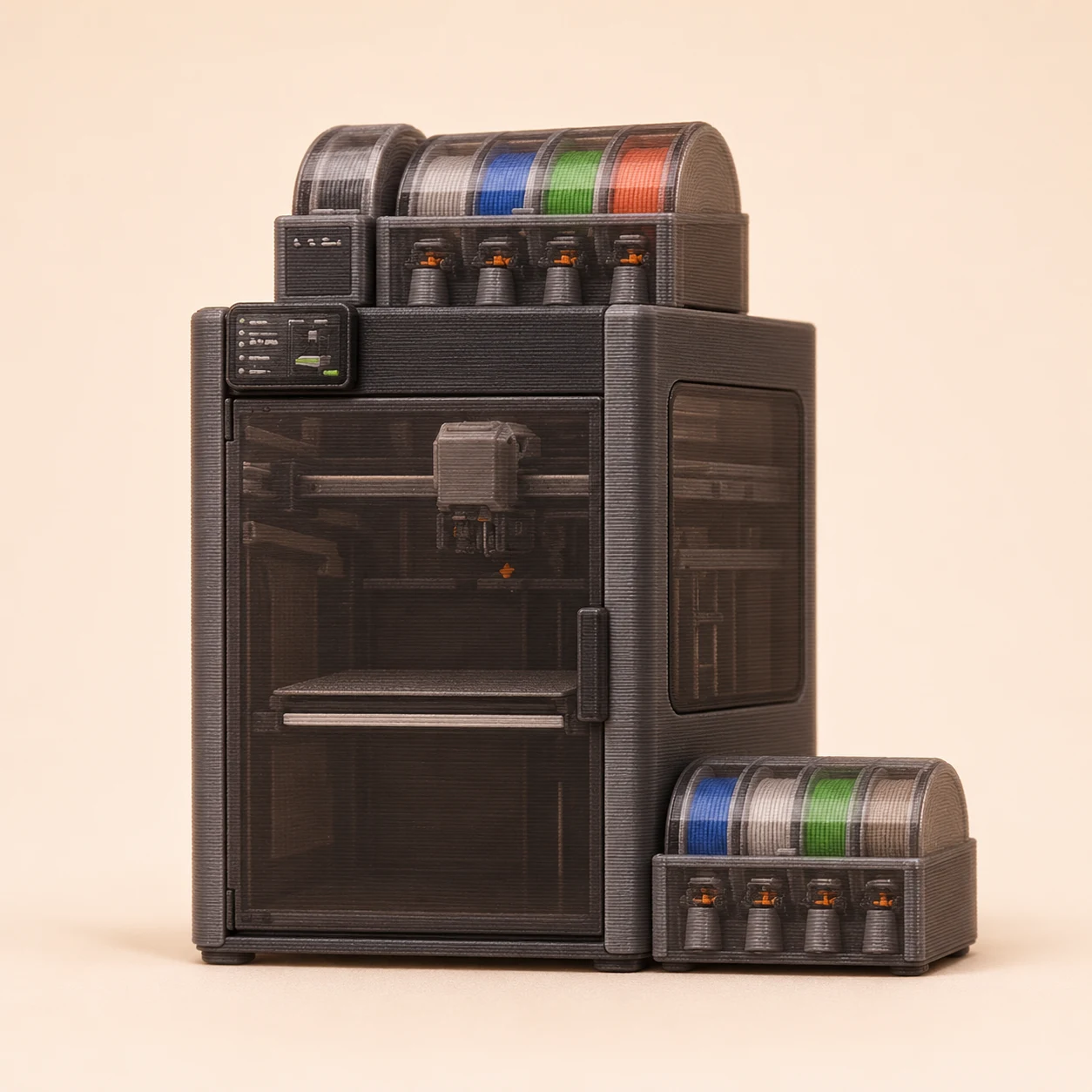
Lower-flush color changes in the H2 platform
Bambu Lab H2C
Dedicated hotends cut transition flushing. Material still unloads and reloads through the shared feeding/extrusion workflow, unlike an independently loaded whole-toolhead changer.
- Build area
- 305 × 320 × 325 single; 300 × 320 × 325 dual mm
- Setup
- Vortek · 6 swappable right hotends + fixed left nozzle
- Changes
- Nozzle changer
- Why advanced?
- You manage hotend assignments, feeder slots and nozzle sizes. Vortek changes hotends rather than entire independent extruders.
Order status: Released model with hands-on reviews; check current regional bundles.
Maker specifications cross-checked with independent hands-on reviews.
Two good reasons
- Dedicated hotends can substantially reduce transition waste.
- Heated enclosure and a fixed second nozzle support demanding projects.
Two trade-offs
- Swapping hotends still involves filament feeding time.
- Seven-material potential depends on matching hotends and sufficient feeder slots; verify the bundle.
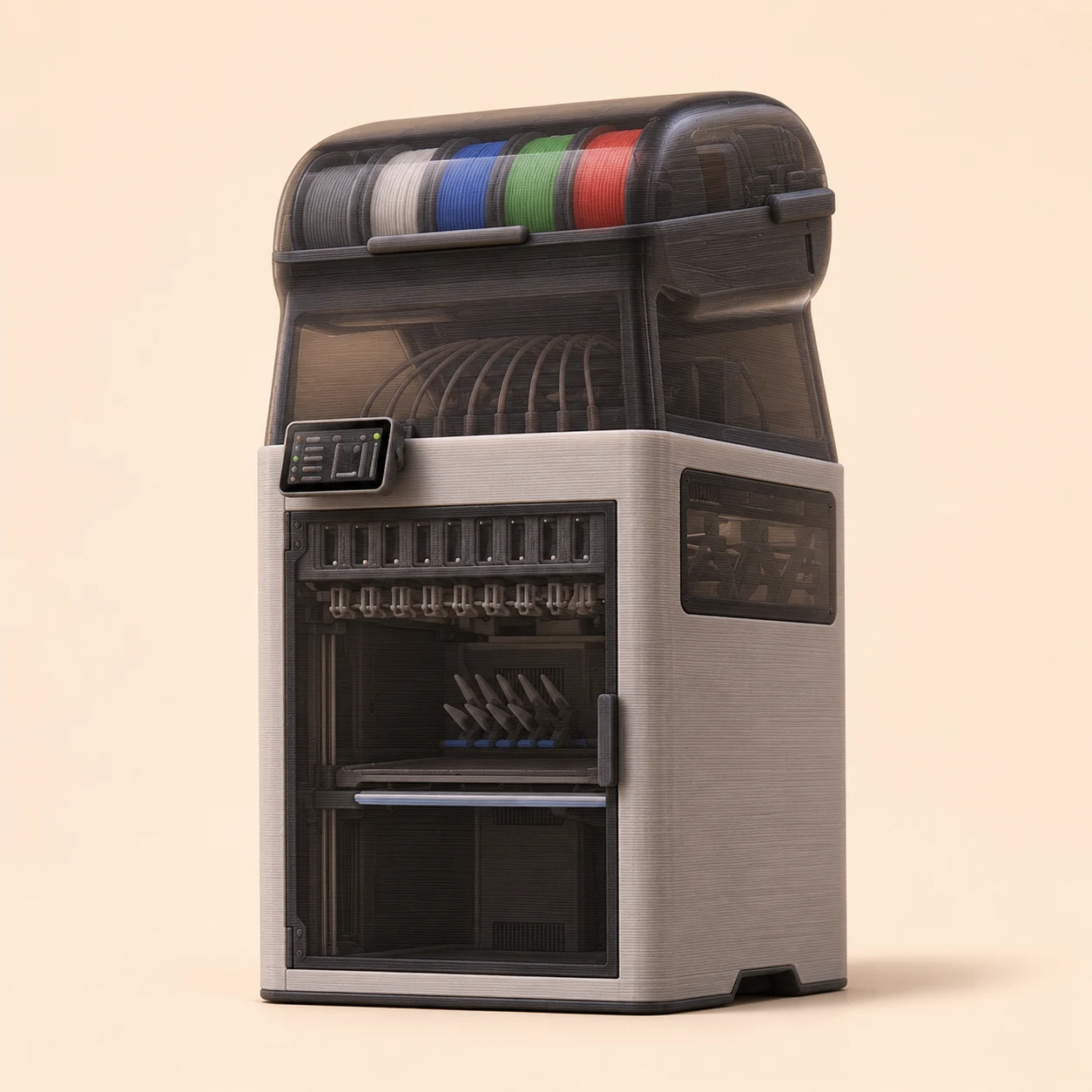
Many materials in one enclosed machine
Bambu Lab H3C
Dedicated loaded tools reduce reload cycles; integrated AMS 3H manages the filament. Early hands-on reviews are positive about material handling; long-term durability is still unproven.
- Build area
- 330 × 320 × 325 mm
- Setup
- Swaptek · 9 PrintTools (8 × 1.75 mm + 1 × 2.85 mm standard) · heated enclosure
- Changes
- Nozzle changer
- Why advanced?
- Nine material paths, mixed tool choices and a newly launched platform reward careful project planning.
Order status: Launched November 3, 2026; confirm regional order and delivery dates.
November hands-on reviews from Tom’s Hardware and TechRadar; still a short market history.
Two good reasons
- Dedicated tools make frequent color and material changes much faster than shared-nozzle flushing.
- Early reviews report strong results with soft TPU and mixed-material projects.
Two trade-offs
- Premium cost and substantial overhead and side access requirements.
- Only two built-in drying slots; early review units also showed firmware or tool-routing issues.
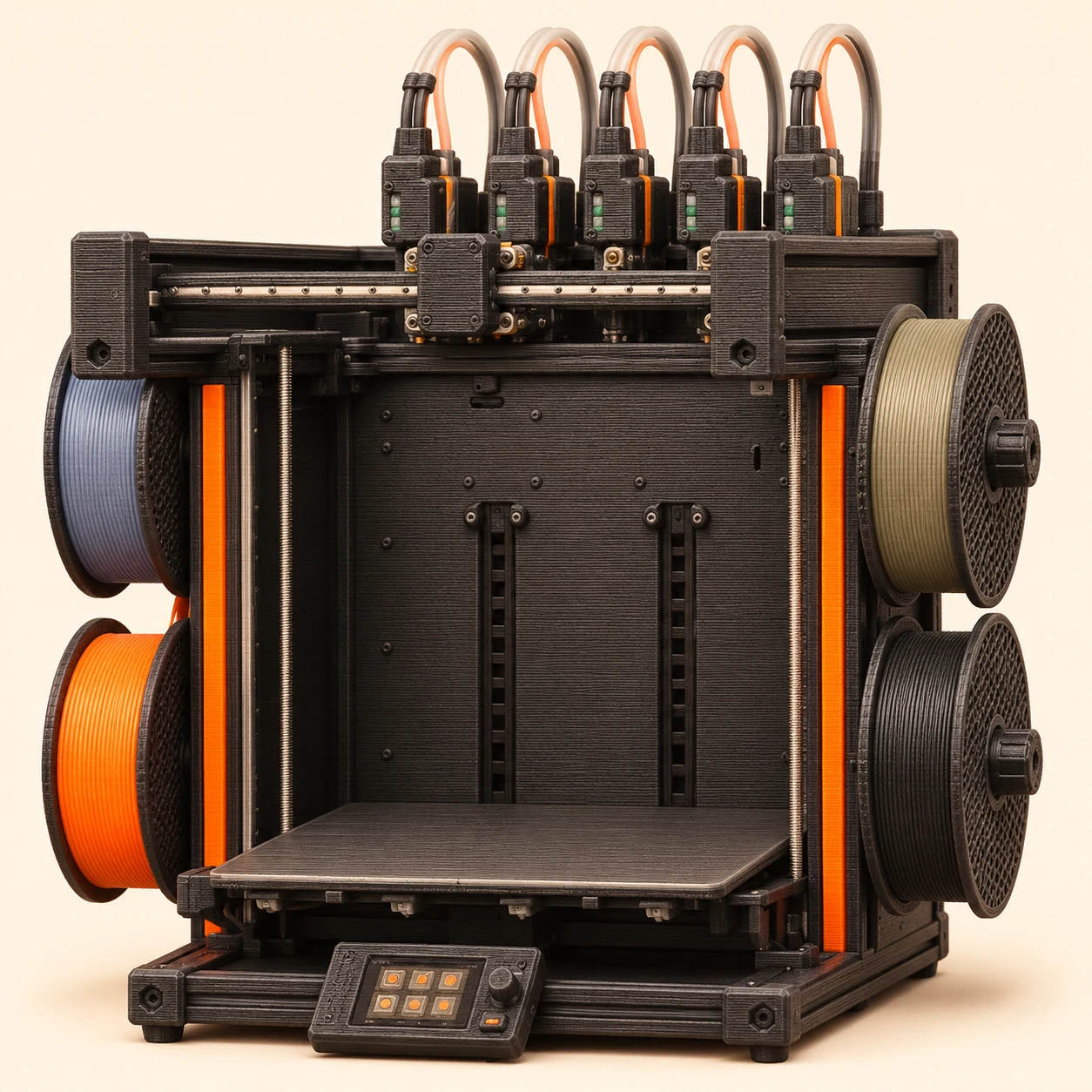
Large multi-material parts
Prusa XL+ · five-tool
A large build area and five dedicated tools combine size with low-flush material changes.
- Build area
- 360 × 360 × 360 mm
- Setup
- 5 independent heads in this configuration
- Changes
- Toolchanger
- Why advanced?
- Its value comes from managing several materials and tool offsets across long, large-format jobs.
Two good reasons
- Five independent tools minimize shared-nozzle flushing.
- Large build area accommodates ambitious multi-part and support-heavy jobs.
Two trade-offs
- Five-tool configurations are a major investment.
- Large footprint and multiple tools mean more setup and maintenance.
What actually changes?
Toolchanger
U1, XL+, Creator 5 and ProForge 5 swap complete printheads with their own extrusion paths. They can avoid refeeding for each native tool switch. Wiping and priming can still consume material.
Nozzle changer
H2C swaps hotends and reloads filament. H3C has nine independently fed, heated PrintTools. K3 changes nozzle assemblies around a shared extruder. INDX heats passive tools through its moving smart head. These systems share a filter category but differ mechanically.
A spool or fixed nozzle
AMS, CANVAS and CFS commonly change filament through one nozzle. H2D and Snapmaker Artisan have two fixed nozzle positions. Neither architecture becomes a whole-toolhead changer by adding more feeder slots.
Keep an eye on these
Pre-orders & emerging platforms
These are worth tracking, but a product announcement or checkout button is not proof of a delivered, well-tested machine.
Pre-order listing
Sovol M1D
DualX combines one fixed head with six exchangeable tools. The maker lists up to 300 × 300 × 350 mm; copy and mirror modes have their own working-area constraints. Confirm delivery and exact Essential/Advanced hardware.
Current maker page ↗Manufacturer-announced platform
AtomForm Palette 300
The maker advertises twelve automatically swapping nozzles and a 300 mm cube. This research did not establish a dependable regional printer delivery date, so it stays outside the main buying shortlist.
Current maker page ↗Before you choose
Price the whole setup
Include the feeder, cover, spare parts and filament. Bundle names and sale prices change; check the exact configuration at the maker.
Preview a real project
Check usable build area, supports, time and purge estimates. More colors can mean more waste. Compare how machines switch materials.
Plan the space
An enclosure is not a complete emissions solution. Plan ventilation, clearance and spool storage before the printer arrives.
How we chose and checked this shortlist
Specifications come from the linked makers; advantages and drawbacks synthesize available reviews and documented hardware limitations. Newly launched products are labeled where review evidence is limited; their trade-offs are not a claimed community consensus. These are editorial workflow categories, not results of a Happy Printing comparison test. Original-model reviews can inform a product family; confirm changes on current XL+ and CORE One+ configurations with Prusa. New announcements are not automatically recommendations.
The illustrations are playful toy interpretations, not product photographs or scale drawings. Market West, the company behind Happy Printing, has worked with Snapmaker on events and marketing.